Loading video…
Sound

original sound - cn.plates
cn.tutorials · Original audio
0:00–:––
Playing this video’s own audio, so you’ll hear the creator over the sound.
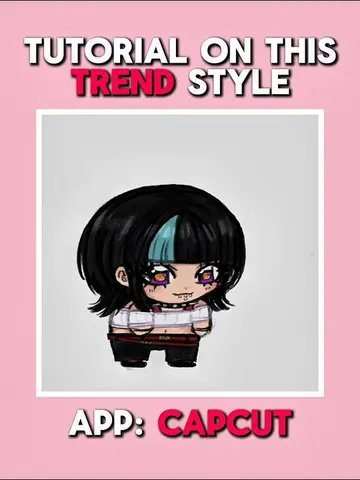
The video provides a clear, step-by-step tutorial for a trending editing style, utilizing popular AI features within a widely used app. The use of on-screen text and clear visual demonstrations makes it easy to follow, appealing to a broad audience interested in creative video editing.
This tutorial demonstrates how to create a 'Depth' anime edit style using the CapCut app. It involves using AI image and video generation features within CapCut, applying custom speed curves to the generated clips, and adding masking effects to achieve the desired aesthetic.
Tutorial on this trending ‘ Depth ‘ Anime Edit Style! ( wutiwant ) @M1ray #CapCut #capcutpioneer #capcutphoto #seedream5pro #tutorial
TUTORIAL ON THIS 'DEPTH' EDIT STYLE
Start with an image and use AI to generate a stylized version.
Generate AI video clips from the stylized images.
Apply custom speed curves to the generated video clips.
Layer duplicate clips as overlays and apply masking.
Export the final video.
CapCut: ACTS - video editing app used to create the tutorial content. Removing it would change the video entirely. Appears as a watermark/logo in the bottom right corner of the editing interface, and is explicitly named. Seedream 5.0 Pro: ACTS - AI model used within CapCut to generate images. Removing it would change the output of the AI generation step. Dreamina Seedance 1.0 Fast: ACTS - AI model used within CapCut to generate video from images. Removing it would change the output of the AI generation step. Dreamina Seedance 1.0: ACTS - AI model used within CapCut to generate video from images. Removing it would change the output of the AI generation step.
Playing this video’s own audio, so you’ll hear the creator over the sound.
Video editing app for creators making social media videos
Views and creators: posted in the last 30 days (English videos). Videos: all time.
Promotes 1 product. Create free account to see more.
Outliers and viral hits: their videos on Overshot, all time.