Loading video…
Sound

original sound - gene_thmk.7569.2711
gene_thmk.7569.2711 · Original audio
0:00–:––
Playing this video’s own audio, so you’ll hear the creator over the sound.
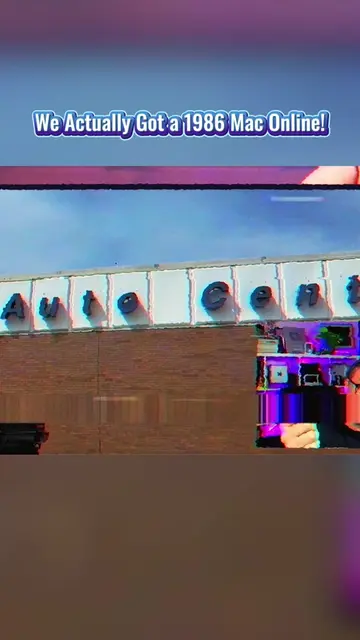
The video taps into nostalgia and the fascination with making old technology perform modern tasks, creating a unique and engaging "wow" factor by successfully browsing the internet on a 1986 machine.
The creator demonstrates browsing the modern internet on a 1986 Macintosh computer using an old web browser and a custom search engine called Frogfind.com. Despite the limitations of the old hardware and low-resolution display, the setup successfully loads and displays web pages, showcasing a unique blend of retro and modern technology.
Browsing the Modern Internet on a 1986 Mac. #tecktok #fyp #Tech #RetroTech #Programming
Browsing the Modern Internet on a 1986 Mac
Setting up the 1986 Mac for internet access
Attempting to use Netscape Navigator and failing
Successfully launching MacWeb 2.0c+
Browsing Frogfind.com, a search engine for vintage computers
Demonstrating browsing EveryMac.com through Frogfind.com
Reflecting on the experience of browsing the modern internet on old hardware
Macintosh (1986 computer): ACTS - The computer is used to browse the internet. Removing it would change what happens in the video. MacTCP (network software): ACTS - Software used to connect the Macintosh to the internet. Removing it would change what happens in the video. Netscape Navigator 2.02 (web browser): ACTS - Attempted to be used to browse the internet. Removing it would change what happens in the video. MacWeb 2.0c+ (web browser): ACTS - Used to browse the internet. Removing it would change what happens in the video. Frogfind.com (search engine): ACTS - Used as a search engine to find websites. Removing it would change what happens in the video. EveryMac.com (website): ACTS - A website that is browsed. Removing it would change what happens in the video.
Playing this video’s own audio, so you’ll hear the creator over the sound.
Promotes 1 product. Create free account to see more.
Outliers and viral hits: their videos on Overshot, all time.
Search engine for browsing the web on older computers
All time.