Loading video…
Sound

original sound - agilesingh
AgileSingh - AI 🚀 · Original audio
0:00–:––
Playing this video’s own audio, so you’ll hear the creator over the sound.
The video effectively highlights a valuable, underutilized feature (free access to numerous AI models via a single API key) from a well-known tech company, presented in a practical, step-by-step tutorial format relevant to developers and AI enthusiasts.
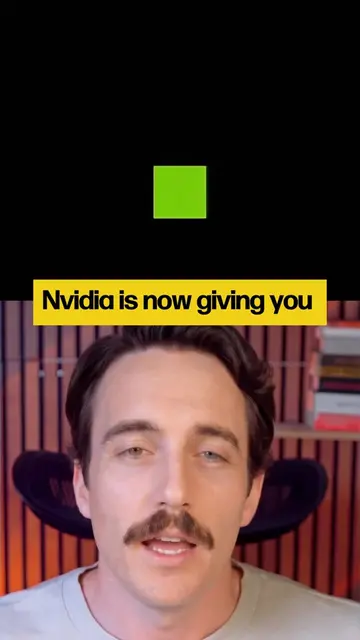
The video demonstrates how to access over 70 AI models from Nvidia using a single API key and the Nvidia NIM extension for VS Code. It highlights the ease of setup and the availability of these models within the editor.
Most people don't realize Nvidia gives you free access to 70+ AI models through one API key. Set up an account on build.nvidia.com, grab your key, install the Nvidia NIM extension in VS Code, and you've got a full model lineup available right in your editor — no separate signups per model. #AI #ContentMarketing #Nvidia #VSCode #Creators
One API KEY
Introduce the concept of one API key for multiple AI models
Showcase the Nvidia platform and the variety of AI models
Explain the process of creating an account and generating an API key
Demonstrate installing the Nvidia NIM extension in VS Code
Show how to use the API key within VS Code to access models
Highlight the benefit of having a full model lineup readily available
Nvidia (ACTS - provides access to AI models via API key and extension; removing it would change what happens in the video), VS Code (ACTS - used to install and use the Nvidia extension; removing it would change what happens in the video), Nvidia NIM (ACTS - an extension for VS Code that provides access to AI models; removing it would change what happens in the video)
Playing this video’s own audio, so you’ll hear the creator over the sound.
AI model APIs and deployment tools for developers building generative AI applications
All time.
Promotes 1 product. Create free account to see more.
Outliers and viral hits: their videos on Overshot, all time.