Loading video…
All videosSound page 
Views
235.1K
Likes
8.3K
Comments
377
Shares
1.5K
Engagement
4.3%
of views
19.6xthis account’s usual viewsOutlier · Viral hit (100K+ views)
This video235.1KUsual views13.3K
The product
Not selling anything
No product promoted
We didn’t find a product being promoted in this video. Its hook, format and structure below still show why it took off.
Browse products winning on TikTokThe creator
Sound
original sound - rashidkhanreshii
༄ R E S H ! ! ! 🚫- · Original audio
0:00–:––
Playing this video’s own audio, so you’ll hear the creator over the sound.
Original caption
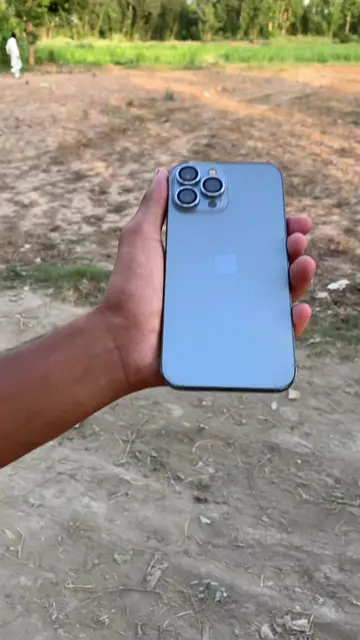
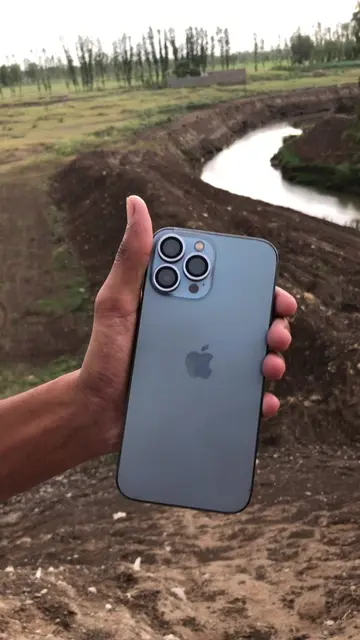
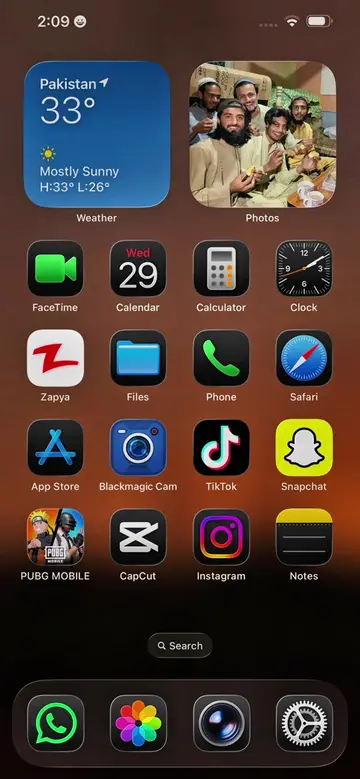
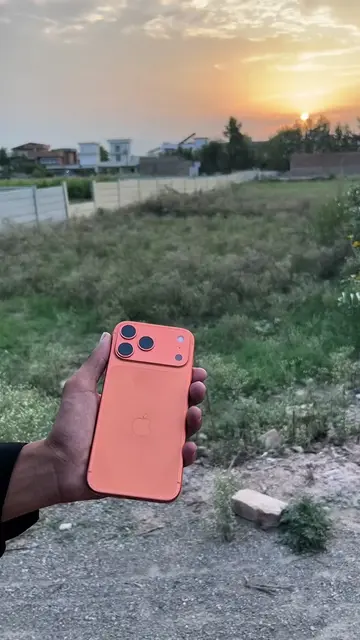
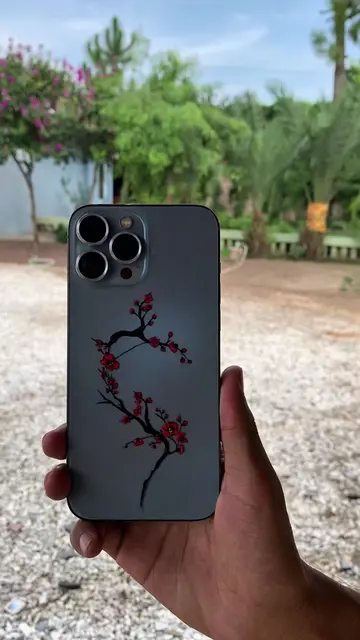
App name Blackmagic cam ✅ Watch the full video for the tutorial ✅ For Android download it from play store and for iphone download it from app store ✅ For luts check link in bio Download Lut1.rabbit ✅ The Blackmagic Camera app supports a limited set of devices because it requires advanced camera APIs. iPhone (Supported) It works on: iPhone XS / XS Max iPhone XR iPhone 11, 11 Pro, 11 Pro Max iPhone SE (2nd & 3rd generation) iPhone 12 series iPhone 13 series iPhone 14 series iPhone 15 series iPhone 16 series For the best experience, use iPhone 13 Pro/Pro Max or newer, as they support ProRes, multiple lenses, and high-quality video recording. Android (Supported) The Android version supports selected devices running Android 13 or later, including many flagship phones such as: Samsung Galaxy S23, S24, S25 series Samsung Galaxy Z Fold/Flip 5 and newer Google Pixel 7, 8, and 9 series OnePlus 11, 12, and 13 Xiaomi 13, 14, and 15 series Sony Xperia 1 V and newer Not Supported Most budget and mid-range phones (such as many Infinix, Tecno, itel, Redmi budget models, and older Samsung A-series devices) either cannot install the app or have limited functionality. Blackmagic Camera Settings Record Codec: HEVC (H.265) Resolution: 4K Color Space: Rec.709 Timecode Display: Record Run Timelapse Recording: Off Capture 1 Frame Every: 1 Minute If Media Drops Frame: Alert Camera Enable Vertical Video: On Trigger Record Indicator: None Use Volume Button to Trigger Record: On Lock White Balance on Record: On Live Stream Live Stream: Off Media Record Proxy: On Upload Clips: Proxies Only Live Sync: Off Auto Upload to Selected Project: On Enable Upload Only Over Wi-Fi: Off Save Clips To: In-App and Photo Library Save Location Data to Clip: On LUTs: Record LUT to Clip: On Filename Convention: Blackmagic Camera Function Buttons Function Buttons: On F1: None