Loading video…
Sound

original sound - wanzenn
WanZen · Original audio
0:00–:––
Playing this video’s own audio, so you’ll hear the creator over the sound.
The video provides a clear, step-by-step tutorial for a visually striking effect, making it highly shareable and valuable for users looking to enhance their video editing skills on CapCut.
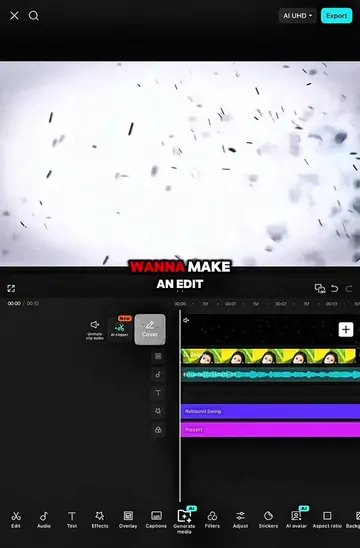
This video demonstrates how to create a dynamic transition effect in CapCut using various keyframes, effects, and adjustments. The tutorial walks viewers through applying transformations, blur, omniflexion, and wave effects to achieve a polished and visually engaging result.
Tutorial on this transition || (2/2) |song > Baila lento #CapCut #CapCutpcutpioneer #capcut_edit #capcuttutorial #wanzen
I'll show you how I made this transition
Introduction and clip selection
Applying transform and zoom keyframes
Adding and adjusting omniflexion and jitter blur effects
Applying wave effect and adjusting speed/size
Adding ripple overlay and final adjustments
Showcasing the final result
CapCut: This is a video editing app that is used to create the transition effect shown in the video. It is operated by the creator. Removing it would change what happens in the video.
Playing this video’s own audio, so you’ll hear the creator over the sound.
Promotes 1 product. Create free account to see more.
Outliers and viral hits: their videos on Overshot, all time.
Video editing app for creators making social media videos
Views and creators: posted in the last 30 days (English videos). Videos: all time.