Loading video…
All breakouts
915Talking HeadHow-To hookCreator Economy
Hook
AUTOCUT is one of the best features on this app!! 🚨🚨🚨🚨🚨
@mommacolleen.7
355.9K followers · usually 2.1K views a post
Views
1.3M
Likes
13.0K
Comments
504
Shares
941
Why it worked
The video provides a clear, step-by-step tutorial on a useful, built-in feature of a popular platform, making it highly shareable and valuable to other creators looking to improve their content and reach.
Summary
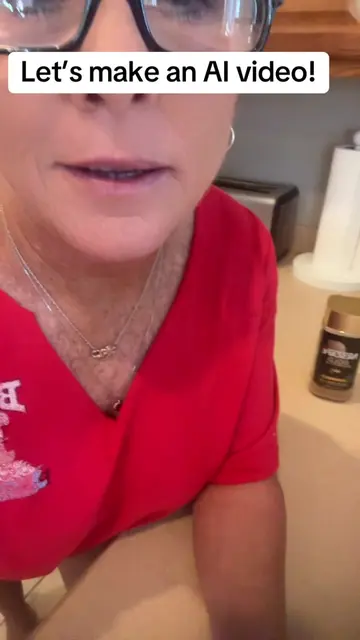
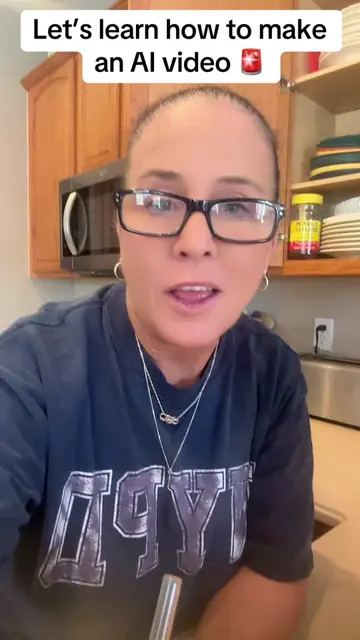
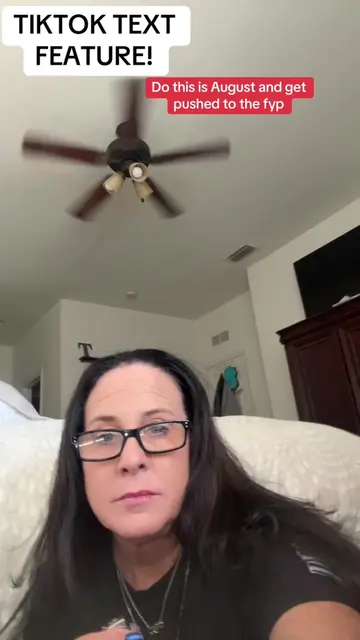
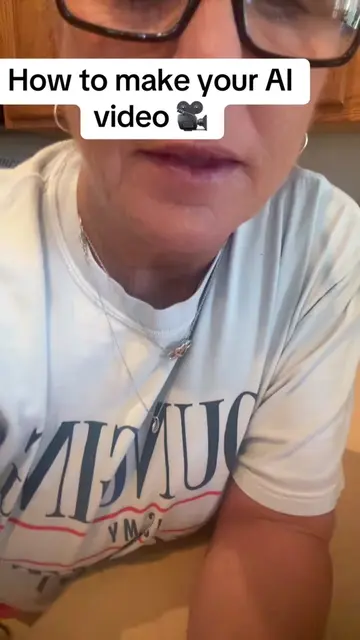
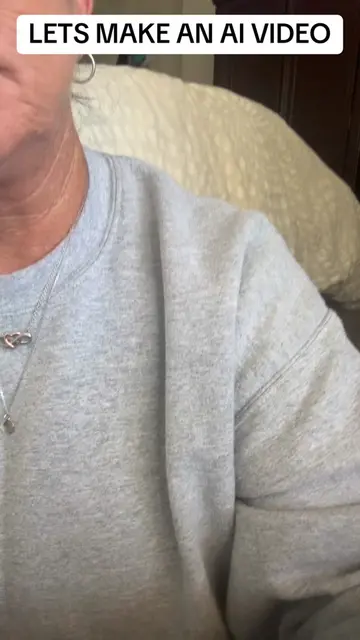
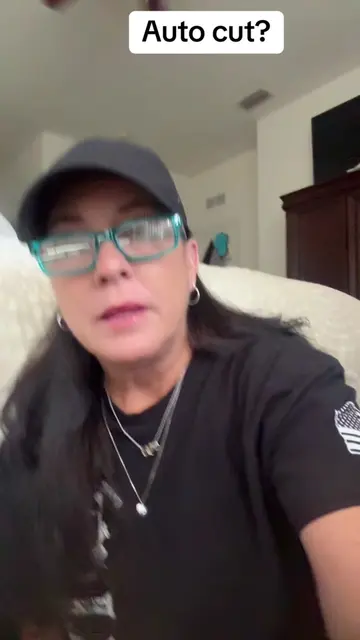
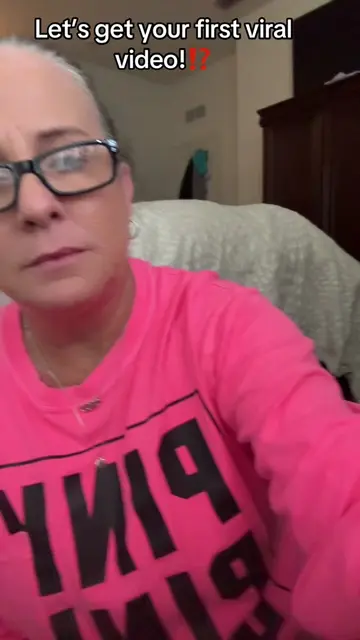
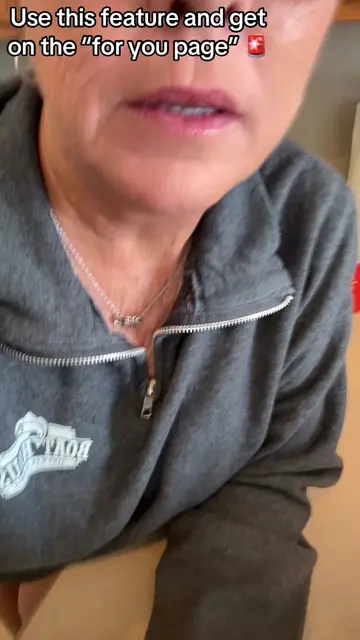
The creator explains how to use the "Autocut" feature on TikTok, highlighting its ability to automatically edit videos and increase their reach. They demonstrate the process of selecting photos and choosing a sound, emphasizing that TikTok's editing will lead to greater visibility.
Structure
- 1Introduce Autocut as a great app feature
- 2Explain how to find and use Autocut
- 3Showcase the editing effects and options
- 4Explain why Autocut helps push videos
- 5Instruct on keeping the sound and adding to story
Product placement
AUTOCUT (app feature): Acts - it is a feature of an app that is used to edit videos. Removing it would change what happens in the video.
On-screen text
AUTOCUT is one of the
best features on this app!!
🚨🚨🚨🚨🚨
Original caption
Tutorial included. Why’d my face popped up like that😂#tiktoktips #smallcreator #autocut
More from @mommacolleen.7
More breakout videos from this creator.