Loading video…
Sound

original sound - maynardguillero__
Maynard on CapCut · Original audio
0:00–:––
The video provides a clear, step-by-step tutorial for a visually appealing editing technique using a popular app. The use of Spiderman footage, which is dynamic and visually engaging, likely contributed to its appeal and shareability.
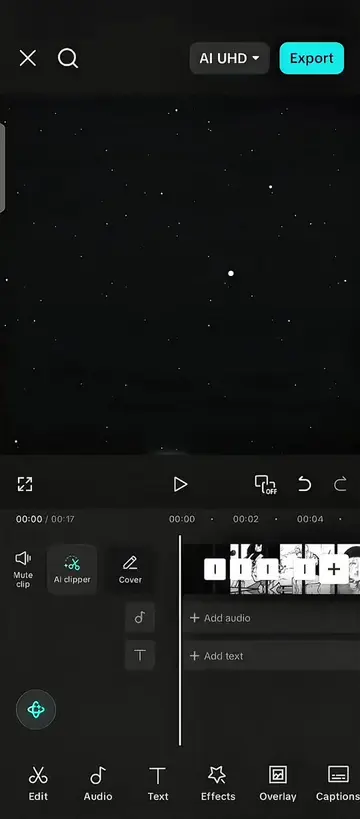
This video demonstrates how to create a dynamic visual effect in CapCut by layering clips, applying motion blur and radial blur, and then using a masked overlay with keyframes. The tutorial guides viewers through exporting, importing, and manipulating clips to achieve a stylized look.
Follow me and repost for more tutorials 🔥 #capcut #capcutpioneer #spiderman #tutorial #capcutedit
WHILE EDITING
Edit clips by cutting photos into 0.1-second segments.
Export and re-import the video, then duplicate it.
Apply motion blur and radial blur effects with specific settings.
Create an overlay by duplicating the main clip and removing the background.
Apply a mirrored mask with keyframes to the overlay.
Expand the mask at the beginning and end to achieve the final effect.
CapCut: ACTS - video editing software used to create the video. Removing it would change what happens in the video. Instagram: APPEARS - social media platform logo. Removing it would not change what happens in the video. WhatsApp: APPEARS - social media platform logo. Removing it would not change what happens in the video. Facebook: APPEARS - social media platform logo. Removing it would not change what happens in the video.
Promotes 1 product. Create free account to see more.
Outliers and viral hits: their videos on Overshot, all time.
Video editing app for creators making social media videos
Views and creators: posted in the last 30 days (English videos). Videos: all time.