Loading video…
Sound
Fabienk
Angine de Poitrine
0:00–:––
- Videos using it
- 59
- Creators
- 51
- Views on those videos
- 38.6M
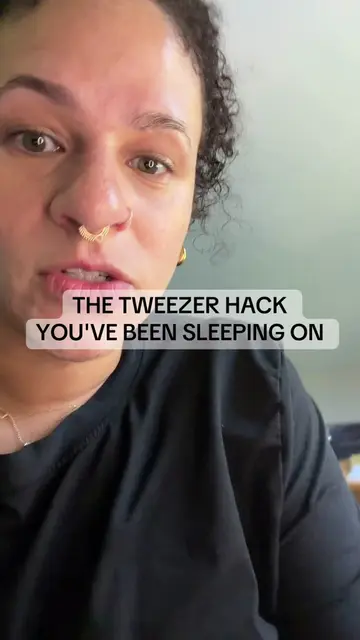
The video taps into a common pain point for lash artists (dirty tweezers) and offers a simple, visual solution. The use of emojis and a clear demonstration makes it relatable and shareable.
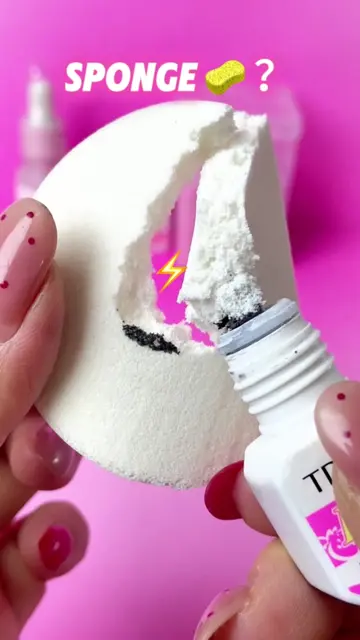
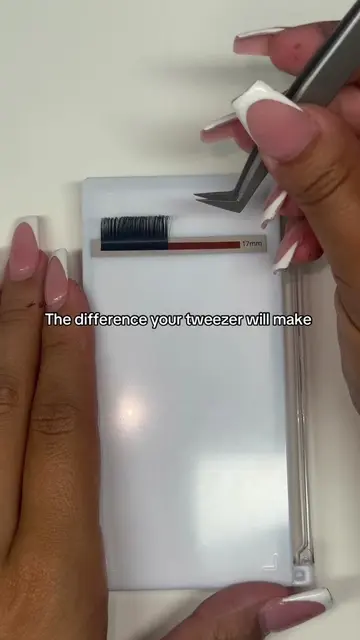
The video demonstrates how to clean and reset used eyelash tweezers using a tweezer file and cleanser. It shows the process of cleaning the tweezers and then dipping them into a solution, implying they are being restored to optimal performance.
Your tweezers after a long lash day: 😵💫 Don’t throw them away! 👀 Give them a quick reset with: 🧽 Tweezer File 🧴 Tweezer Cleanser Back to their best performance. ✨ 🛍Shop now at tdancelashes.com or download the TDANCE App 🤗 👉Download TDANCE App to get extra discounts😎 . . . . 🇺𝗨𝗦: ✨ 𝗡𝗲𝘄 𝘂𝘀𝗲𝗿𝘀: 𝟯𝟬% 𝗼𝗳𝗳 𝘄𝗶𝘁𝗵 𝗰𝗼𝗱𝗲 𝗡𝗘𝗪𝗨𝗦 🚚 𝗙𝗿𝗲𝗲 𝘀𝗵𝗶𝗽𝗽𝗶𝗻𝗴 $𝟴𝟵+ (𝟭-𝟰 𝗱𝗮𝘆𝘀) 🇬𝗨𝗞: ✨ 𝗡𝗲𝘄 𝘂𝘀𝗲𝗿𝘀: 𝟯𝟬% 𝗼𝗳𝗳 𝘄𝗶𝘁𝗵 𝗰𝗼𝗱𝗲 𝗡𝗘𝗪𝗧𝗗 🚚 𝗙𝗿𝗲𝗲 𝘀𝗵𝗶𝗽𝗽𝗶𝗻𝗴 £𝟱𝟵+ (𝟭-𝟯 𝗱𝗮𝘆𝘀 & 𝗽𝗶𝗰𝗸𝘂𝗽) ✨ New customers: Enjoy free shipping on your first order from just £19.9 #tdancelashes #Lashtips #Lashtape #LashArtistLife #Lashtools
Your tweezers after a long lash day: 😵💫
Show dirty tweezers
Clean tweezers with file
Clean tweezers with cleanser
Show cleaned tweezers
TDANCE Tweezer File: Acts - used to clean and reset tweezers, making them perform better. Removing it would change the video's purpose. TDANCE Tweezer Cleanser: Acts - used to clean and reset tweezers, making them perform better. Removing it would change the video's purpose. TDANCE App: Acts - promoted as a place to get extra discounts. Removing it would change the video's call to action.
Shop now at tdancelashes.com or download the TDANCE App
Promotes 2 products. Create free account to see more.
Outliers and viral hits: their videos on Overshot, all time.
A file for cleaning and resetting eyelash tweezers, for lash artists
All time.