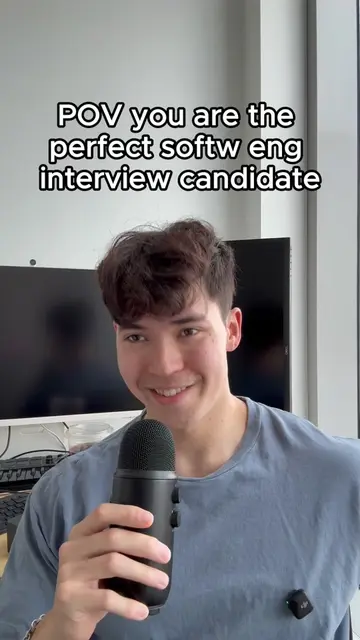
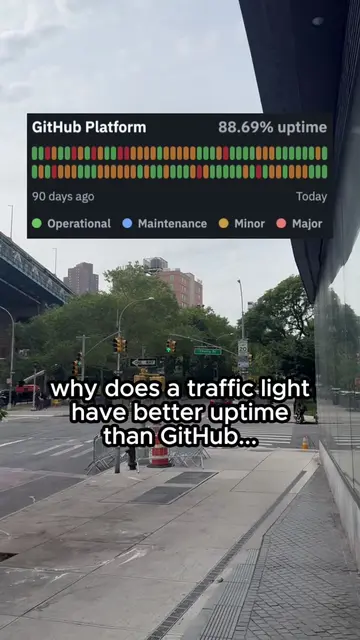
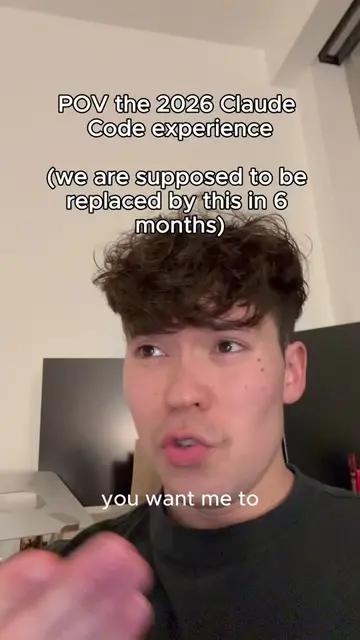
Loading video…
All breakouts
9.3Talking HeadBefore / After hookSaaS
Hook
learning how to vibe
@iansbrash
2.8K followers · usually 4.0K views a post
Views
31.5K
Likes
1.5K
Comments
30
Shares
98
View velocity
+7.5K views over 27.9d · ~271/day · 11 observations
Promoted product
OpenAI API Key
Why it worked
The video taps into the common developer concern of managing sensitive API keys and environment variables, creating a relatable scenario for other coders. The "day X" format also suggests a series, encouraging viewers to follow along.
Summary
The creator is documenting their coding journey, specifically focusing on environment variables and API keys. They are checking if an OpenAI API key has already been used before committing it to avoid overriding someone else's work.
Structure
- 1Introduction to coding day 12
- 2Checking environment variables
- 3Verifying API key usage
- 4Avoiding overriding existing keys
Product placement
OpenAI API Key: This is a secret key used to authenticate requests to the OpenAI API, which likely provides AI capabilities. It ACTS as an identifier for API usage and is crucial for the application's functionality. Removing it would break the connection to OpenAI. OpenAI API Key is a key component of the application's functionality. Stripe: This is a payment processing platform. The Stripe API key and webhook secret are used to handle payments and transactions. They ACT as credentials for Stripe's services. Removing them would prevent the application from processing payments. Stripe is a key component of the application's functionality. AWS Access Key ID and Secret Access Key: These are credentials for accessing Amazon Web Services (AWS), likely used for hosting, storage, or other cloud services. They ACT as authentication for AWS services. Removing them would prevent the application from accessing AWS resources. AWS is a key component of the application's functionality. Claude: Mentioned in the caption as a hashtag, likely referring to the AI model or a related tool. It APPEARS as a hashtag and is not directly interacted with or shown to perform an action in this clip. Removing it would not change what happens in the video.
Original caption
guys what is an environment variable and why is it a secret #coding #ai #programming #claude #startup
More from @iansbrash
More breakout videos from this creator.