Loading video…
All breakouts 2 videos
13.1Silent UGCOther hookOther
Hook
eufy
@eufysecurity
150.7K followers · usually 4.2K views a post
Views
55.0K
Likes
913
Comments
6
Shares
198
Promoted product
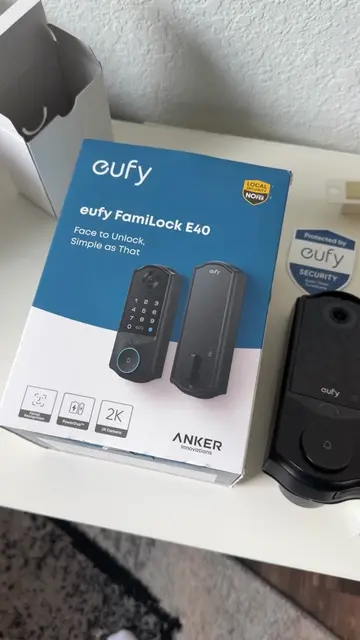
eufy FamiLock E40
Why it worked
The video effectively showcases the product's features and ease of use through a clear unboxing and installation process, appealing to viewers interested in smart home technology and DIY projects.
Summary
The video shows the unboxing and installation of the eufy FamiLock E40, a smart door lock. It demonstrates various unlocking methods including secret code, physical key, fingerprint recognition, and facial recognition.
Structure
- 1Unboxing the eufy FamiLock E40
- 2Removing the old lock mechanism
- 3Installing the new eufy FamiLock E40
- 4Connecting the device via QR code
- 5Demonstrating unlocking methods
Product placement
Original caption
Unboxing and setting up the VIRAL #FamiLockE40 with facial recognition 🚪🔐 #asmr #satisfying #DIY
More from @eufysecurity
More breakout videos from this creator.