Loading video…
Sound

original sound - zmslowed
ZM X SLOWED · Original audio
0:00–:––
- Videos using it
- 74
- Creators
- 3
- Views on those videos
- 9.3M
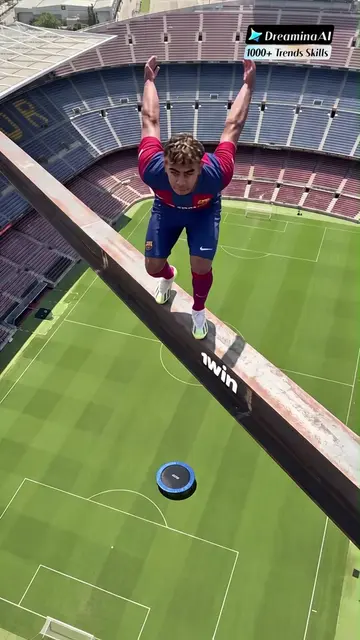
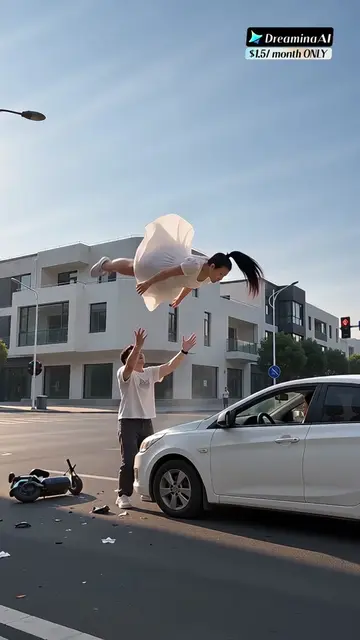
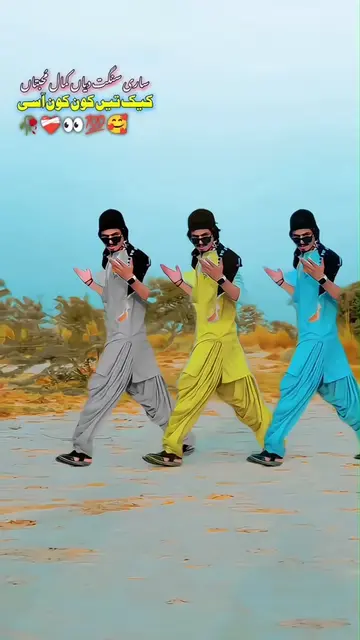
The video leverages a popular TikTok template and clearly shows how to replicate it, tapping into the desire for trending effects and easy content creation.
The video demonstrates how to use a CapCut template to create a video with a visual effect. It shows the process of finding the template, copying it, and then using it within the CapCut app by uploading a photo.
The template in the lower left corner is ready. Upload a photo to make the same video. #capcut #capcutpioneer #capcutnow #fyp La plantilla en la esquina inferior izquierda está lista. Sube una foto para crear el mismo vídeo. القالب في الزاوية السفلية اليسرى جاهز. قم بتحميل صورة لصنع نفس الفيديو. Templat di sudut kiri bawah sudah siap. Unggah foto untuk membuat video yang sama Mẫu ở góc dưới trái đã sẵn sàng rồi nè! Chỉ cần tải lên 1 bức ảnh là có thể làm video giống hệt luôn đấy!
CapCut Try this template
Showcase template effect
Demonstrate template usage
Copy template link
Open CapCut
Select photo
Apply template
CapCut: it ACTS - it is used to edit videos and apply templates. Removing it would change what happens in the video.
Use template in CapCut
Promotes 2 products. Create free account to see more.
Outliers and viral hits: their videos on Overshot, all time.
Video editing app for creators making social media videos
Views and creators: posted in the last 30 days (English videos). Videos: all time.