Loading video…
Sound

original sound - cn.plates
cn.tutorials · Original audio
0:00–:––
Playing this video’s own audio, so you’ll hear the creator over the sound.
The video provides a clear, step-by-step tutorial for a popular animation trend, utilizing readily available tools within a widely used app. The use of AI features and the visual demonstration of the process make it easy for viewers to follow and replicate.
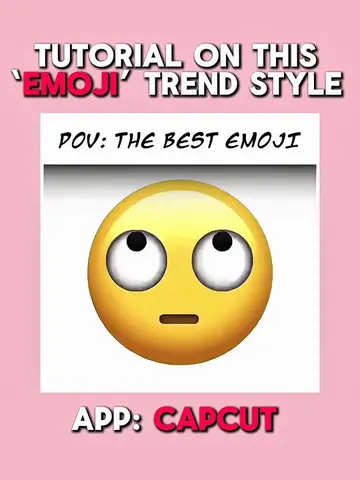
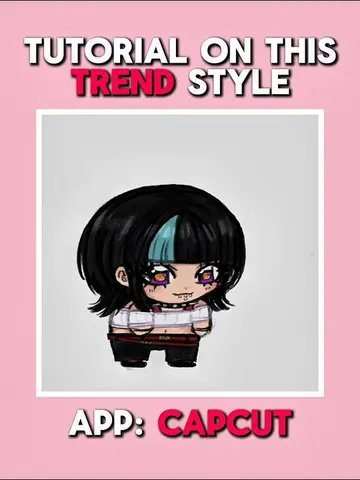
This video is a tutorial demonstrating how to create a 'head bop' animation effect using the CapCut app. It guides viewers through using AI features within CapCut to colorize an image, generate a video from it, and then apply effects to sync with audio beats.
Tutorial on this viral ‘ Head Bop ‘ Animation edit style! ( Baixo Cristal Teclas ) #CapCut #capcutpioneer #capcutphoto #seedream5pro #tutorial
TUTORIAL ON THIS 'HEAD BOP' ANIMATION
Introduction to the tutorial and app
Editing photo and using AI to colorize/generate video
Setting up the project with generated images
Using auto-generate beat for timing
Applying video effects and adjusting timing
Final result and call to action
CapCut: Acts - video editing app used to create the animation. Removing it would change what happens in the video. Seedream 5.0 Pro: Acts - AI model used within CapCut to colorize and animate the image. Removing it would change what happens in the video. Dreamina Seedance 1.0: Acts - AI model used within CapCut to generate video from an image. Removing it would change what happens in the video.
LIKE, REPOST, COMMENT AND FOLLOW IF THIS HELPS YOU, TY :3*
Playing this video’s own audio, so you’ll hear the creator over the sound.
Promotes 1 product. Create free account to see more.
Outliers and viral hits: their videos on Overshot, all time.
Video editing app for creators making social media videos
Views and creators: posted in the last 30 days (English videos). Videos: all time.