Loading video…
All breakouts
11.7App DemoHow-To hookAI Tools
Hook
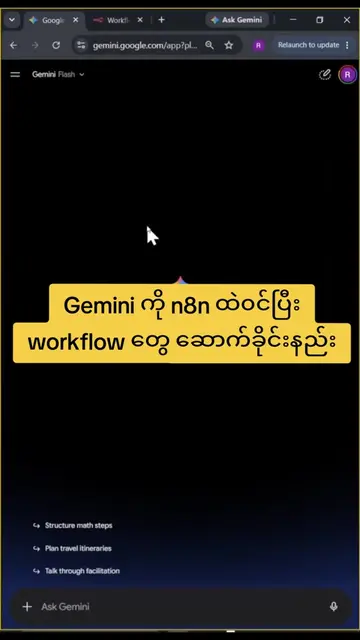
n8n workflow တွေကို Chatgpt ကို ဆောက်ခိုင်းကြည့်ပါ
@moehtetofficialprofile
18.6K followers · usually 2.3K views a post
Views
37.9K
Likes
2.4K
Comments
23
Shares
206
Why it worked
The video effectively demonstrates a practical application of integrating two popular AI and automation tools, n8n and ChatGPT, which appeals to a tech-savvy audience interested in workflow automation and AI capabilities.
Summary
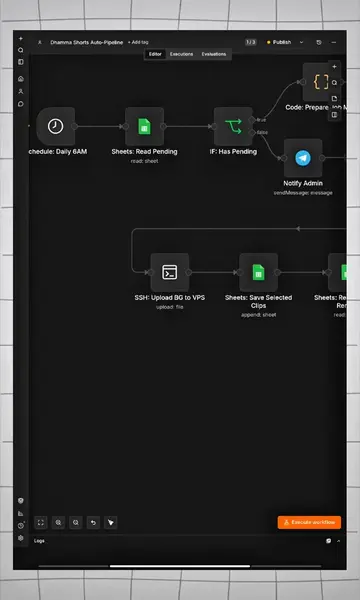
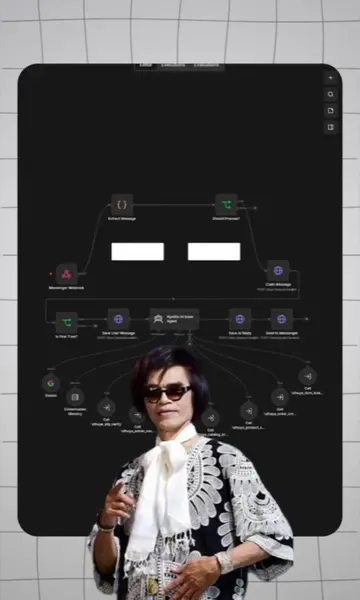
This video demonstrates how to build an n8n workflow using ChatGPT. It guides viewers through enabling developer mode in ChatGPT, connecting the n8n plugin, and then using ChatGPT to create a workflow by specifying the desired actions.
Structure
- 1Enable developer mode in ChatGPT
- 2Connect the n8n plugin to ChatGPT
- 3Copy the n8n server URL and paste it into ChatGPT
Original caption
n8n workflow တွေကို chatgpt ကို ဆောက်ခိုင်းကြည့်ပါ #n8n #aitools #chatgpt #aiagent #automation
More from @moehtetofficialprofile
More breakout videos from this creator.