Loading video…
All breakouts
8.6App DemoHow-To hookConsumer Apps
Hook
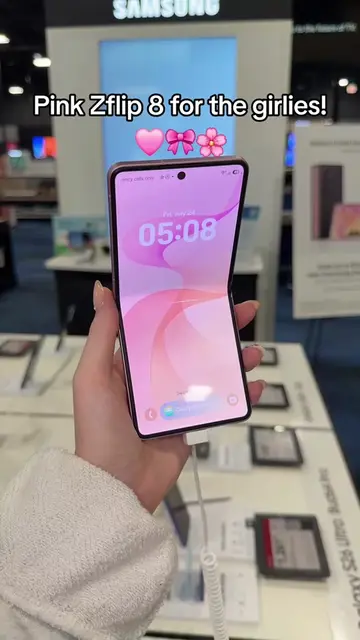
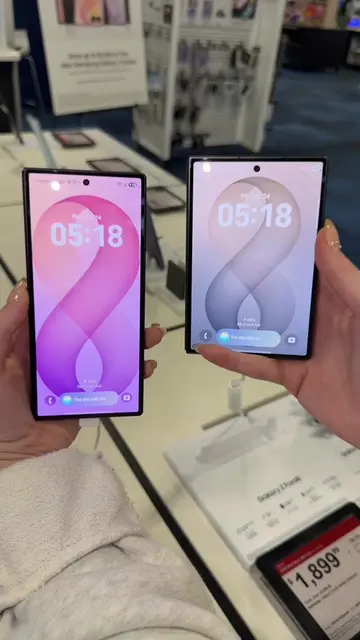
If you recently got your Z Fold 8 and you want to know how to put these really pretty live wallpapers or videos on your cover screen
@kennectionlost
19.8K followers · usually 15.7K views a post
Views
134.9K
Likes
7.8K
Comments
160
Shares
537
Promoted product
Pin Downloader
Why it worked
The video addresses a specific, niche customization desire for a popular foldable phone, providing a clear, step-by-step solution using a dedicated app. The visual demonstration on the device itself makes the process easy to follow and replicate.
Summary
This video demonstrates how to download and set live wallpapers and videos on the cover screen of a Samsung Galaxy Z Fold 8. It guides viewers through using Pinterest to find suitable content and a specific app called 'Pin Downloader' to save these videos, which can then be applied as live wallpapers.
Structure
- 1Introduction to the problem: setting live wallpapers on Z Fold 8 cover screen
- 2Demonstration of using Pinterest to find videos
- 3Explaining the limitation of screen recording and introducing 'Pin Downloader' app
- 4Downloading and saving the video using 'Pin Downloader'
- 5
Original caption
comment what your cover screen looks like! 🥰✨ #customization #samsungtips #galaxyzfold8 #tutorials
More from @kennectionlost
More breakout videos from this creator.