Loading video…
All breakouts
24.8App DemoHow-To hookB2B
Hook
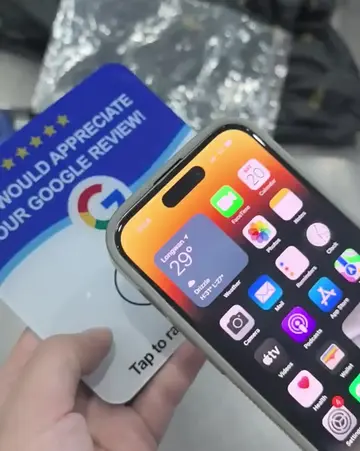
HOW TO REWRITE GOOGLE REVIEW NFC CARDS
@boostgooglereviews
5.3K followers · usually 4.9K views a post
Views
115.2K
Likes
3.4K
Comments
77
Shares
656
Why it worked
The video provides a clear, step-by-step tutorial on a practical task that many small business owners would find valuable. The use of screen recordings and clear on-screen text makes the process easy to follow, and the promise of doing it 'in under 60 seconds' adds to its appeal.
Summary
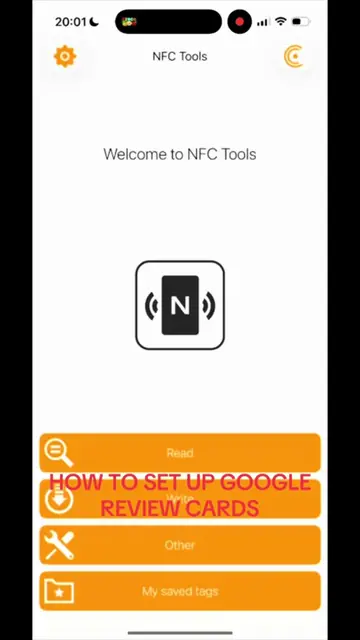
This video demonstrates how to rewrite a Google Review NFC card using the NFC Tools app. It guides viewers through erasing the old business information, finding the new business's Google Place ID using a specific website, and then writing the new URL to the NFC card.
Structure
- 1Erase existing data from NFC card
- 2Find Google Place ID for new business
- 3Copy and paste the Google review link
- 4Write the new URL to the NFC card
Original caption
HOW TO REWRITE GOOGLE NFC CARDS IN UNDER 60 SECONDS Been getting lots of messages asking, “can the business be changed”, “are they rewritable” etc. So I decided to make a quick step by step showing how quick and easy it is to rewrite a Google review NFC card. Hope it helps! #googlereviewcard #nfc #sidehustle #creatorsearchinsights #coldcalling
More from @boostgooglereviews
More breakout videos from this creator.