Loading video…
Sound

WUN ON WUN
Be-Twiin
0:00–:––
- Videos using it
- 6
- Creators
- 6
- Views on those videos
- 1.6M
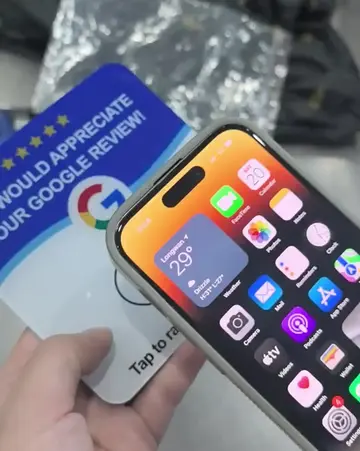
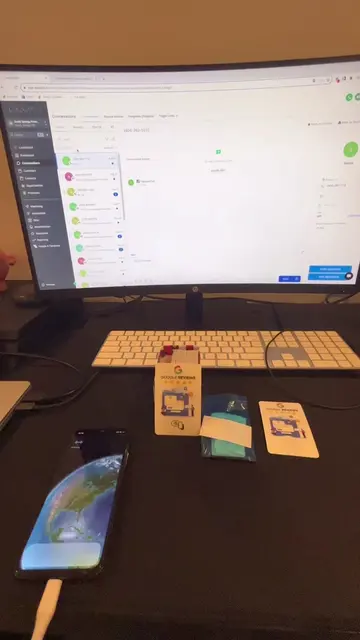
The video provides a clear, step-by-step tutorial on how to create a functional Google Review Card, addressing a common need for local businesses to solicit customer feedback.
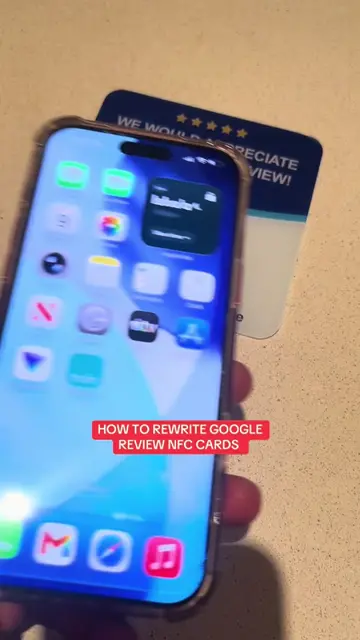
This video demonstrates how to create a Google Review Card using the NFC Tools app and a Google Place ID finder website. It guides viewers through finding a business's Google review link, programming it onto an NFC card, and testing the functionality.
HOW TO SET UP GOOGLE REVIEW CARDS IN UNDER 60 SECONDS DM ‘SCRIPT’ for pricing + bulk deals #googlereviewcard #nfc #sidehustle #creatorsearchinsights #coldcalling
HOW TO SET UP GOOGLE REVIEW CARDS
Download NFC Tools app
Find Google review link using a Place ID finder
Program the link onto an NFC card
Test the NFC card
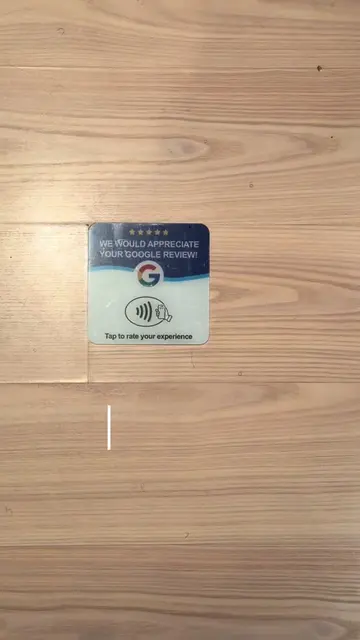
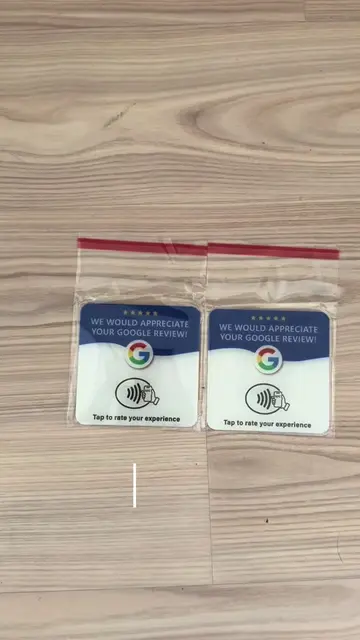
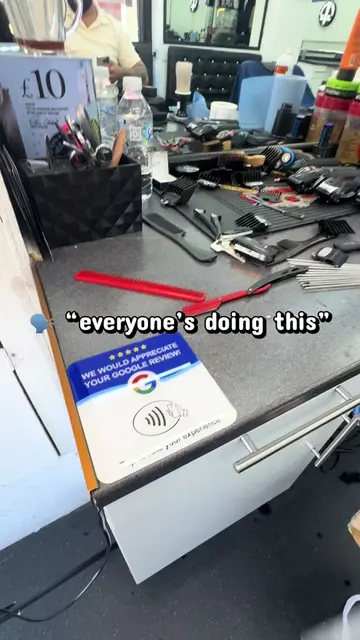
NFC Tools (app): Reads and writes NFC tags. It is used to program an NFC card with a Google review link. Removing it would prevent the video's core function. (ACTS) Google (search engine): Used to find a Google Place ID finder tool. Removing it would make finding the tool much harder. (ACTS) Google Maps (app): Used to find the location of businesses. Removing it would make finding the location harder. (ACTS) Google Review Card (physical product): A card with a Google logo and NFC symbol, designed to be tapped by a phone to direct the user to a Google review page. Removing it would prevent the video's core function. (ACTS) CapCut (app): Video editing software, shown as a watermark at the end of the video. Removing it would not change what happens in the video. (APPEARS)
DM ‘SCRIPT’ for pricing + bulk deals
NFC and QR review cards and stands for businesses seeking customer reviews
All time.
Promotes 2 products. Create free account to see more.
Outliers and viral hits: their videos on Overshot, all time.