Loading video…
Sound

original sound - milurobles1
Milu Robles · Original audio
0:00–:––
Playing this video’s own audio, so you’ll hear the creator over the sound.
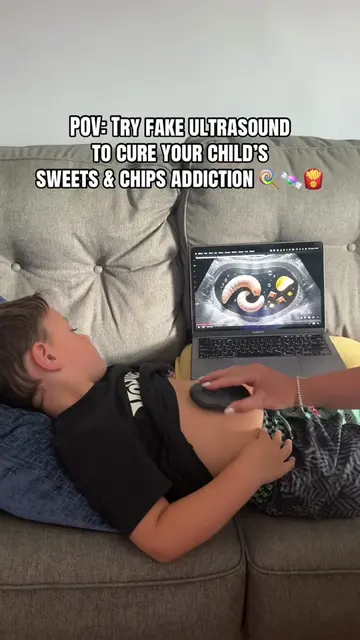
The video leverages a relatable parenting challenge (kids eating junk food) and offers a creative, humorous solution using a popular app. The prank element and the tutorial format likely contributed to its shareability.
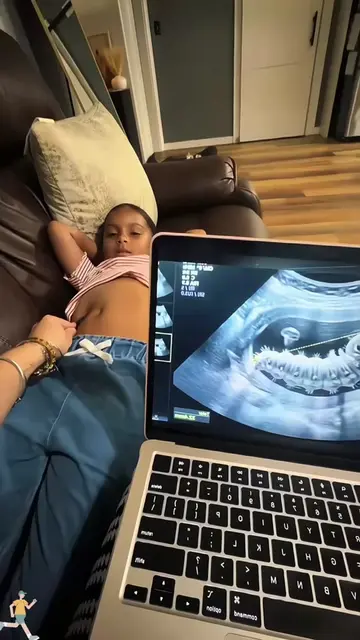
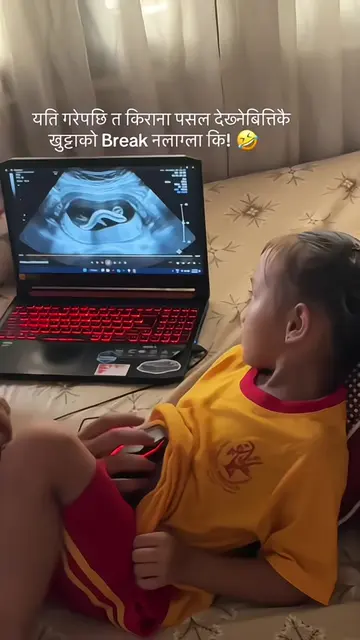
The video demonstrates how to create a fake ultrasound video using CapCut to prank children into stopping eating junk food. It shows the process of finding a template, copying a video link, and uploading a photo to create the effect.
baby tummy inside fake bugs video baby tummy inside fake bugs baby tummy inside bugs video fake ultrasound for kids video ultrasound funny videos broma de ecografia de gusano la broma del gusano gusano broma gusanos de broma gusano en la panza broma de niño gusano en la panza broma gusano en la panza broma plantilla gratuita video del gusano en la barriguita viral #BabyTummyBugPrank #FakeUltrasoundPrank #FunnyUltrasoundVideo #capcut #capcutpioneer
Fake ultrasound to stop eating junk food
Show fake ultrasound prank
Explain how to create it
Copy video link
Use CapCut template
Upload photo and finish
HC: This is a logo that appears on screen. Removing it would not change what happens in the video. CapCut: This is a video editing app. The video shows how to use a template within CapCut to create a fake ultrasound effect. Removing CapCut would change what happens in the video as the tutorial relies on it. It ACTS.
Playing this video’s own audio, so you’ll hear the creator over the sound.
Promotes 1 product. Create free account to see more.
Outliers and viral hits: their videos on Overshot, all time.
Video editing app for creators making social media videos
Views and creators: posted in the last 30 days (English videos). Videos: all time.