Loading video…
Sound

Night/Chill/Lo-fi03(1417838)
HAKUROU
0:00–:––
- Videos using it
- 7
- Creators
- 6
- Views on those videos
- 1.1M
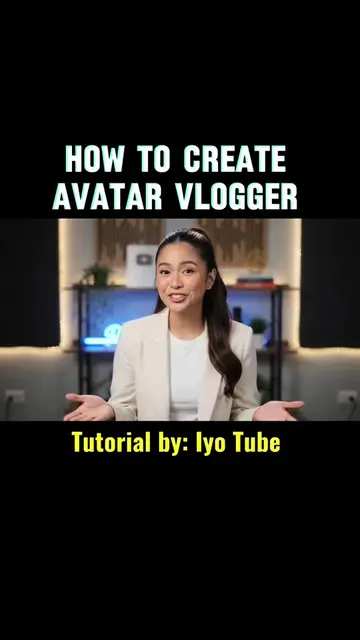
The video provides a clear, step-by-step tutorial on how to use an AI tool to automate video creation, addressing a common pain point for content creators looking to scale their output efficiently.
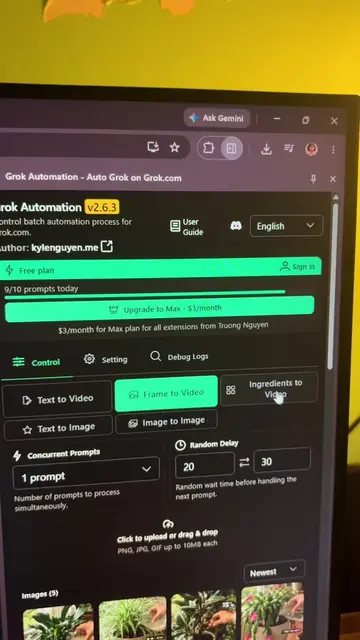
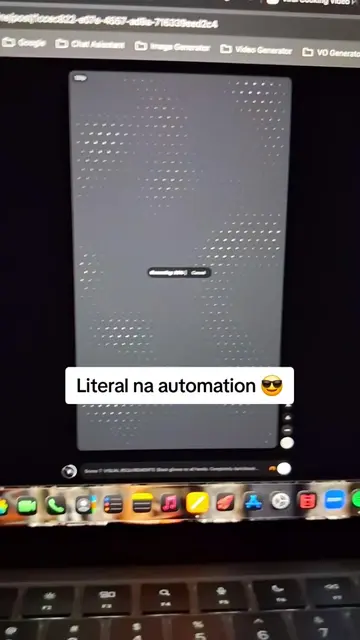
The video demonstrates how to use Grok Auto, an AI tool, to generate multiple AI videos simultaneously. It guides viewers through installing the Chrome extension, accessing the Grok website, inputting prompts, and starting the video generation process.
Paano Gumawa Ng Maraming AI Videos Ng Sabay Sabay?🤔 ✨Daily Content Tips✨ #youtubeautomation #YTA #iyotube #grokautomation #FBA
NAKAGAWA AKO NG
Introduction to generating multiple AI videos
Demonstration of Grok Auto and its Chrome extension
Step-by-step guide on using the tool
Generating videos and showcasing the results
Information on a related course and community
Grok Auto: Batch Generator v2.0 ACTS - it is an AI tool that generates videos based on prompts. Removing it would change what happens in the video. Grok Automation - Run Prompts: ACTS - it is a Chrome extension that allows users to run prompts for Grok Auto. Removing it would change what happens in the video. CapCut: APPEARS - it is a video editing software shown briefly in the timeline. Removing it would not change what happens in the video. vidIQ: APPEARS - it is a YouTube tool shown in the extensions list. Removing it would not change what happens in the video. www.ytasecretsauce.com: ACTS - it is a website that offers a course. Removing it would change what happens in the video.
Go to grok.com/imagine, click the puzzle icon, run Grok Automation, open side panel, set output to 1, copy prompts and paste, click start queue.
Promotes 2 products. Create free account to see more.
Outliers and viral hits: their videos on Overshot, all time.
AI assistant app for chatting, creating images, writing code, and getting web answers
All time.