Loading video…
Sound

original sound - kevinbreezetv
Kevin Breeze | Tech · Original audio
0:00–:––
Playing this video’s own audio, so you’ll hear the creator over the sound.
The video highlights a visually appealing and practical new feature on a popular smartphone, demonstrating its functionality clearly and concisely. The use of a unique visual cue (the flashing LED) makes the feature easy to understand and remember.
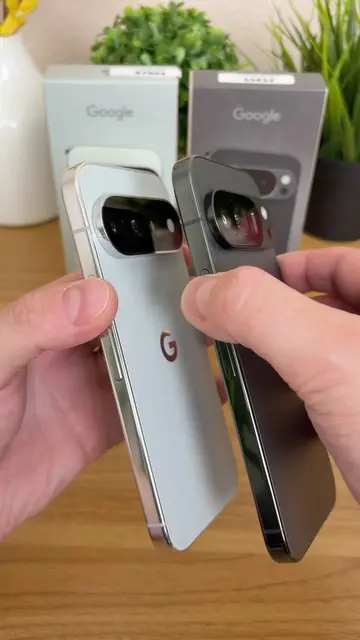
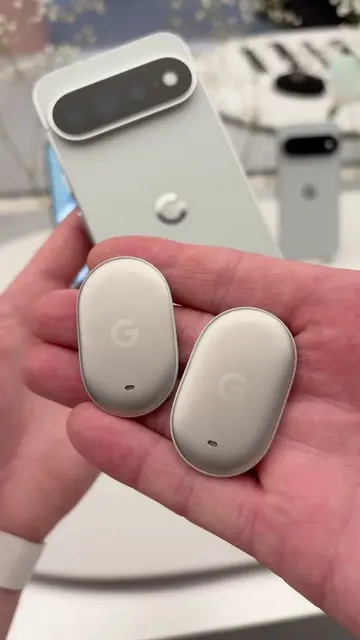
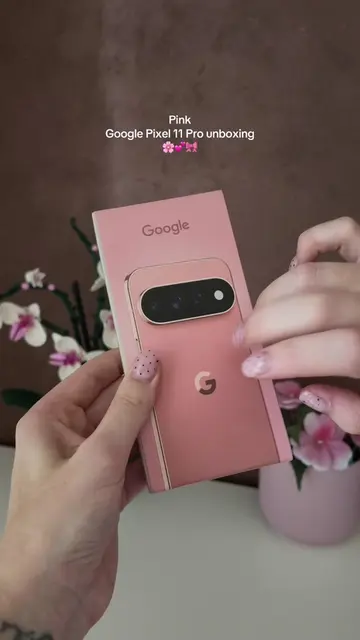
The video demonstrates the "HiLight" feature on the Google Pixel 11 Pro, which allows users to assign custom LED colors to favorite contacts that flash when they call or message. The feature can also be used to indicate when the Gemini assistant is listening.
Pixel 11 Pro - NEW HiLight Feature! (How to Use) #pixel11pro #android #techtok
Pixel 11 Pro NEW HiLight Feature
Introduction of the HiLight feature on Pixel 11 Pro
Demonstration of assigning custom colors to contacts
Explanation of how the feature works when the phone is face down
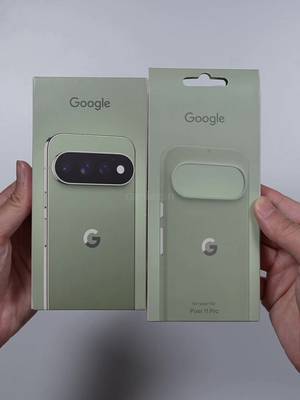
Showcasing the feature's availability on different Pixel Pro models
Demonstration of HiLight's use with the Gemini assistant
Google Pixel 11 Pro (phone): ACTS - it is used to demonstrate a new software feature called "HiLight". Removing it would change what happens in the video.
Playing this video’s own audio, so you’ll hear the creator over the sound.
Promotes 6 products. Create free account to see more.
Outliers and viral hits: their videos on Overshot, all time.
Google Pixel 11 Pro's vapor chamber helps keep your phone running at peak speeds.
All time.