Loading video…
All breakouts
 8 videos
6.8Talking HeadOther hookAI Tools
Hook
00:00
@zaxcommercegroup
24.5K followers · usually 37.5K views a post
Views
238.9K
Likes
6.9K
Comments
23
Shares
182
Promoted product
ZaxAIzaxai.cloud
ZaxAI – Technology Is The Future
Why it worked
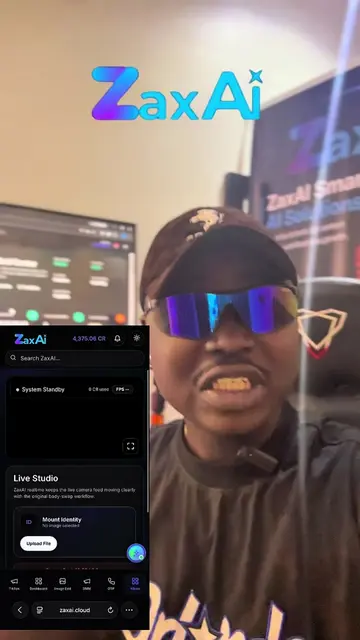
The video effectively demonstrates a practical and visually engaging AI tool (face swapping) directly on a mobile device, which is highly relevant for content creators and streamers. The clear, step-by-step tutorial format, combined with the creator's energetic presentation, makes the product's value proposition easily understandable and appealing.
Summary
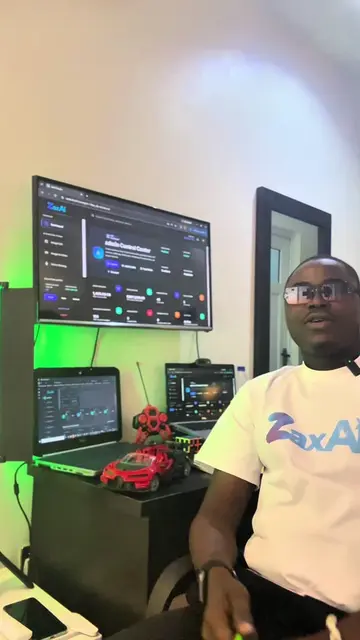
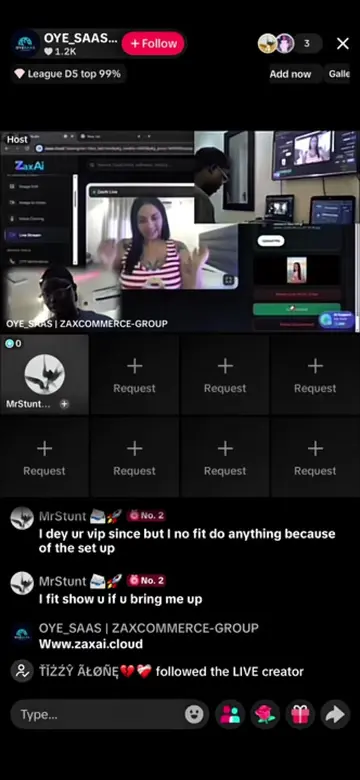
The creator demonstrates how to use ZaxAI's face-swapping feature on a mobile device during a livestream. The video shows the process of logging into ZaxAI, selecting an image, and performing a face swap, highlighting the ease of use and real-time capabilities.
Free accountLocked — create a free account to open
Transcript, structure and on-screen text
6 beats, a 517-word transcript and 20 lines of on-screen text — the parts you need to write your own version.
Original caption
🔥 Face Swap Livestream on ZaxAI — Right From Your Mobile Device! 📱🤖 Take your livestreams to the next level with ZaxAI Face Swap. Transform your appearance in real time while streaming directly from your mobile device. 📱 Works with your mobile device 🎭 Real-time AI face swap 🎥 Built for livestreaming ⚡ Easy to set up and use 🤖 Powered by ZaxAI Perfect for creative content, entertainment, virtual characters, and experimenting with AI-powered livestreams. 📢 Join our Telegram for updates and setup information: https://t.me/zaxcommercegroupupdates #ZaxAI #FaceSwap #AIFaceSwap #AILivestream #LiveStreaming
More from @zaxcommercegroup
More breakout videos from this creator.