Loading video…
Sound

original sound - fraze.ftbl
fraze · Original audio
0:00–:––
- Videos using it
- 8
- Creators
- 6
- Views on those videos
- 1.2M
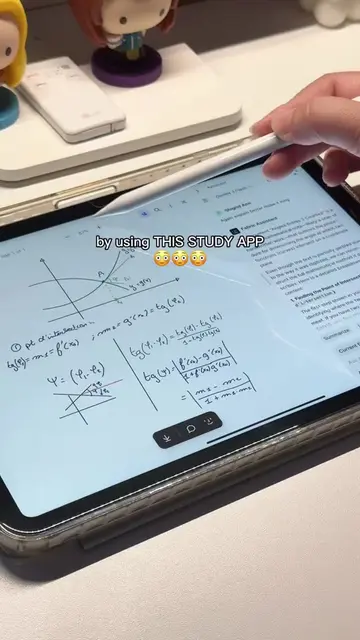
The video effectively uses a "point-of-view" format to immerse the viewer in the experience of using the app, making it relatable and demonstrating its practical benefits for students in a concise and visually engaging way.
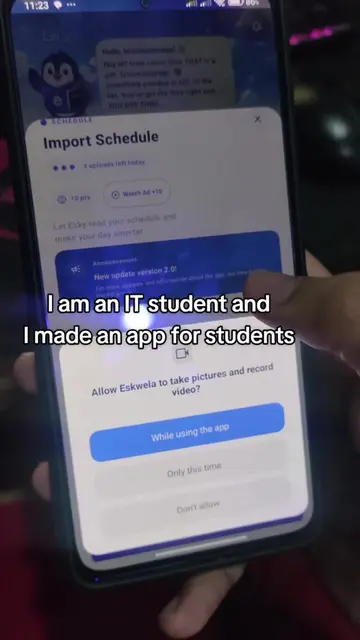
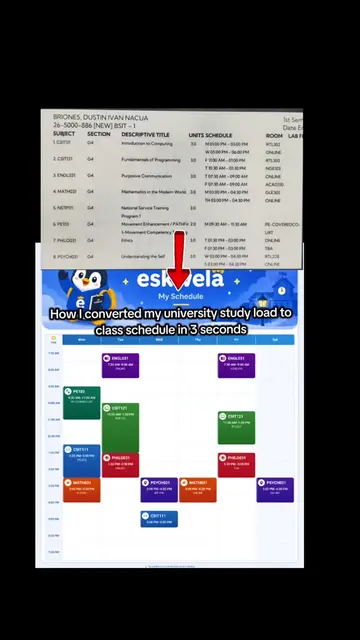
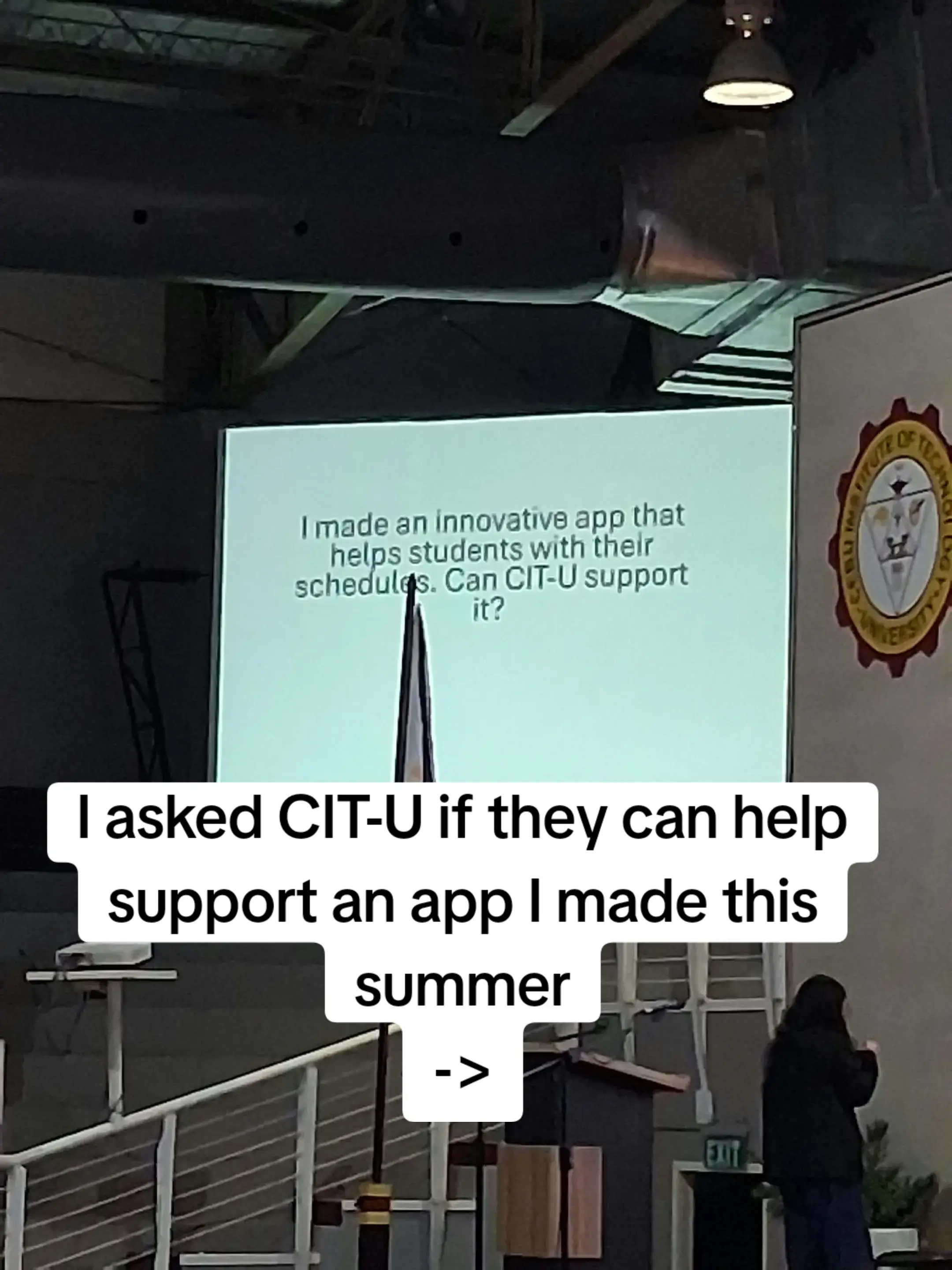
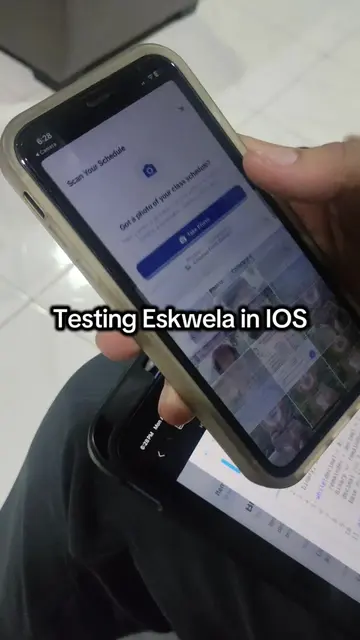
The video demonstrates the "Eskwela app" on a smartphone, showcasing its features for managing student schedules and budgets. It shows the process of importing a schedule and adding a transaction, highlighting the app's utility for students.
Eskwela app #eskwelaapp #creatorsearchinsights #studytip
POV: You have eskwela app
Opening screen showing the "Eskwela app" title
Demonstrating schedule import functionality
Showing the "Allowance & Budget" section
Adding a 500 peso expense transaction
Displaying the updated budget overview
eskwela app: it acts as a schedule organizer and budget tracker for students. Its interface is operated to import schedules and add transactions. Removing it would change what happens in the video.
Click the link to install Eskwela
Promotes 1 product. Create free account to see more.
Outliers and viral hits: their videos on Overshot, all time.
Phone app that scans class schedules and turns them into digital timetables for students
All time.