Loading video…
All breakouts
63.2App DemoHow-To hookCreator Economy
Hook
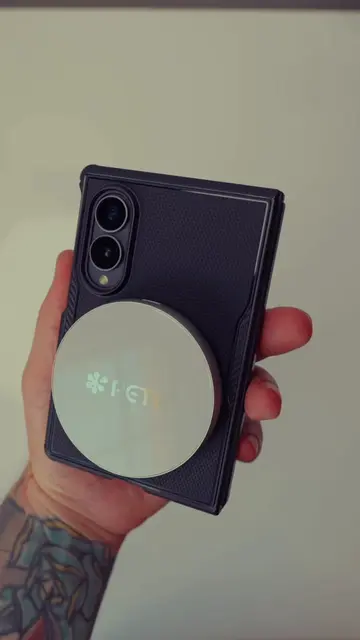
If you're making the switch from iOS, you're gonna want to set this up
@cj.filmed.it
76.5K followers · usually 3.7K views a post
Views
227.5K
Likes
8.3K
Comments
415
Shares
262
Why it worked
The video addresses a common pain point for users switching from iOS to Android, offering a practical solution to replicate a familiar and useful feature. By demonstrating the problem and then providing a clear, step-by-step solution using readily available apps, it offers immediate value to the target audience.
Summary
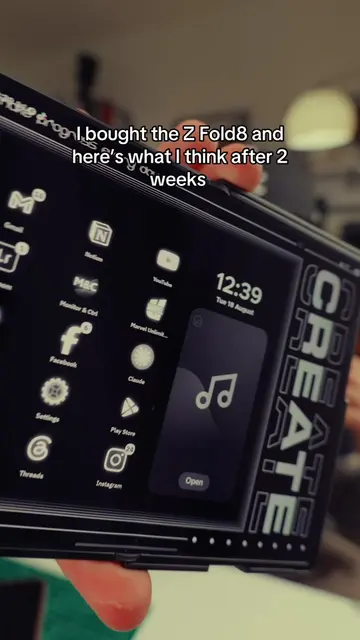
This video demonstrates how to replicate the iOS Spotlight search functionality on Samsung Android phones using the Good Lock app and its HomeUp module. It guides viewers through installing and configuring these apps to enable a 'Finder' feature, which allows for quick searching of apps and settings by swiping down from the home screen.
Structure
- 1Introduction to the problem: missing Spotlight search on Android
- 2Demonstration of iOS Spotlight search
- 3
Original caption
Edit for everyone missing the point. I KNOW the search is at the bottom, this video is to help iPhone users who have recently switched. If you already use android and are happy with the default method then newsflash this video isn’t for you. One of the first things I went looking for when I made the switch over to Samsung
More from @cj.filmed.it
More breakout videos from this creator.