Loading video…
All breakouts
358Talking HeadOther hookCreator Economy
Hook
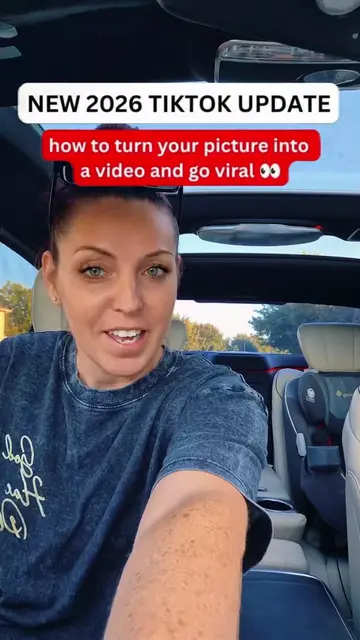
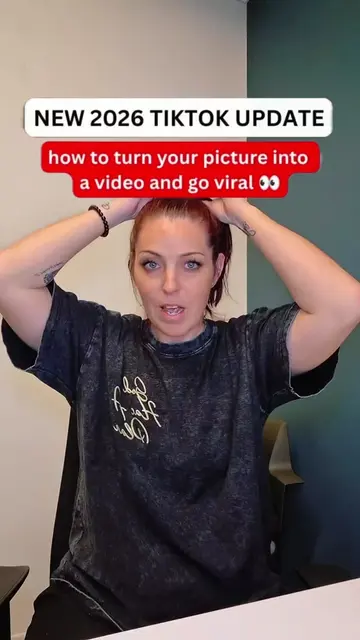
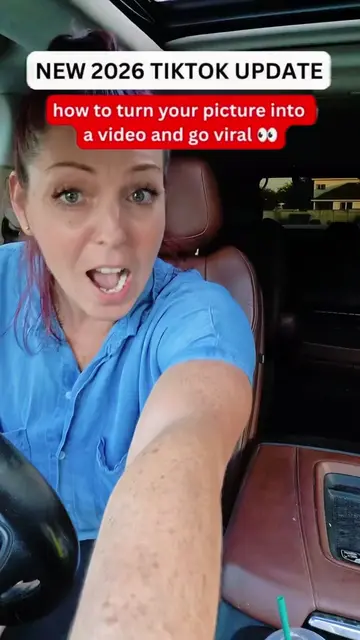
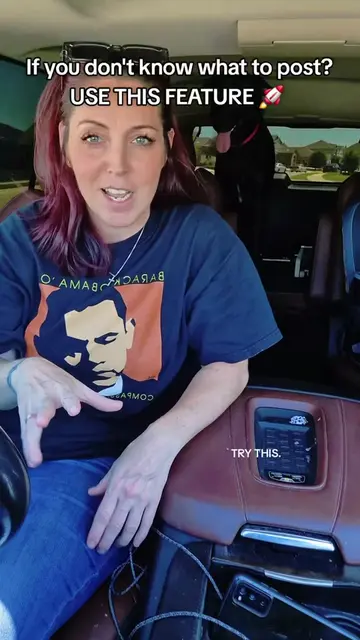
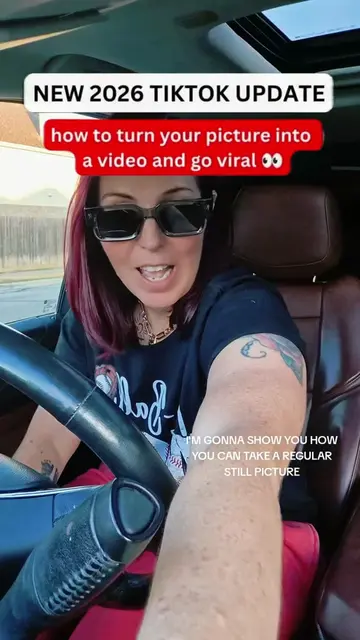
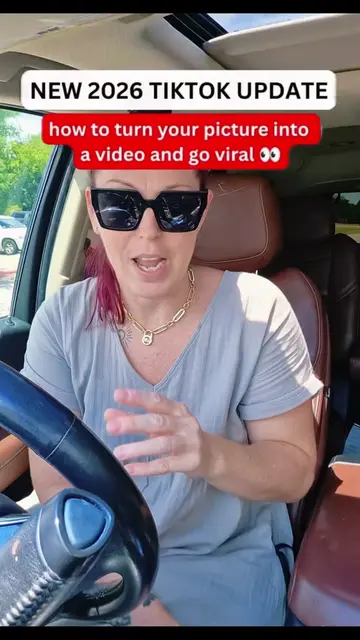
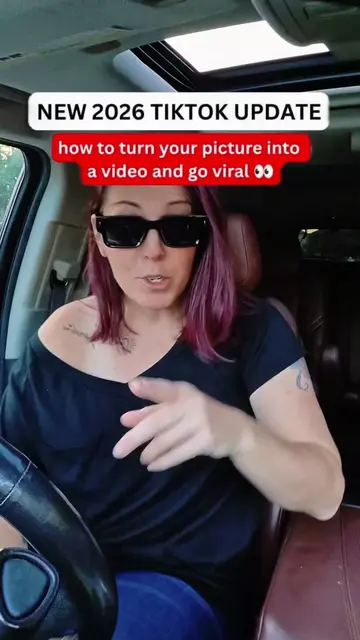
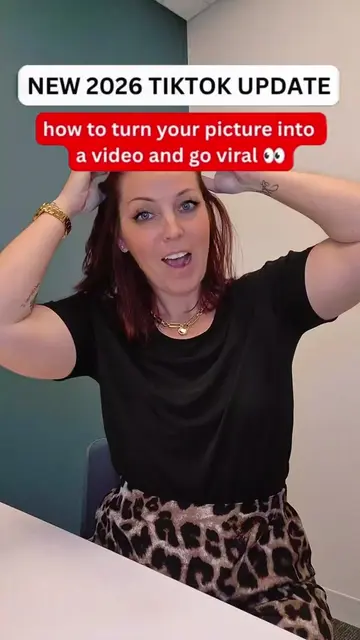
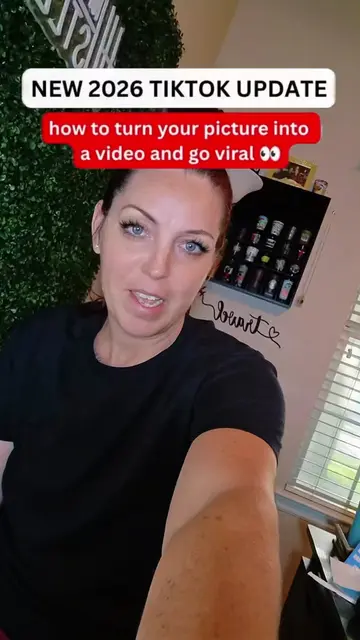
NEW 2026 TIKTOK UPDATE
@momisavibe
349.8K followers · usually 7.1K views a post
Views
2.7M
Likes
11.3K
Comments
525
Shares
1.5K
Promoted product
TikTok One Clip feature
Why it worked
The video capitalized on a new, trending feature within a popular platform, offering a clear, actionable tutorial with a relatable creator. It also leveraged social proof by mentioning past viral success, encouraging viewers to replicate the method.
Summary
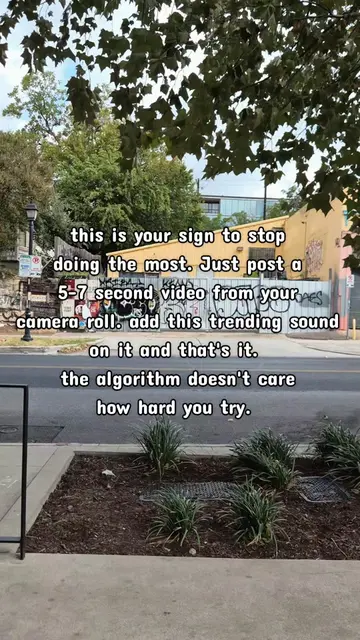
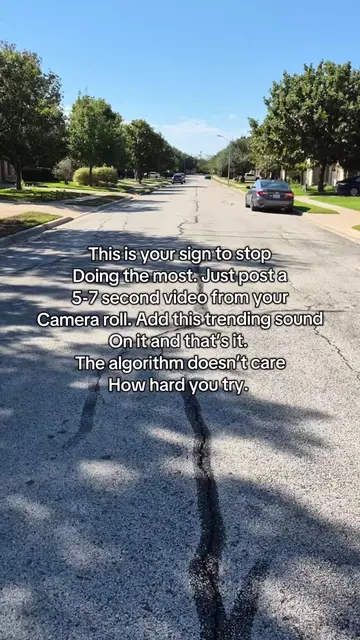
This TikTok tutorial demonstrates how to use the new 'One Clip' feature to turn a photo into a video, aiming for virality. The creator emphasizes using the feature correctly by adding it to stories and engaging with relevant content to boost visibility.
Structure
- 1Introduce the new TikTok feature and its potential for virality.
- 2Demonstrate the steps to access and use the 'One Clip' feature.
- 3Explain the crucial step of adding the video to a story, not the main feed.
- 4Advise on engagement strategies for growth content.
- 5Encourage creating similar how-to videos to leverage the feature.
Product placement
TikTok: It is a social media platform where users can create and share short-form videos. It ACTS as the platform for the new feature being demonstrated. Removing it would change the video's context and purpose. Stan Store: It is a platform for creators to link their products and services. It APPEARS as the creator's bio link. Removing it would not change what happens in the video.
Original caption
NEW TIKTOK UPDATE 2026 - I went viral multiple times using this new feature update. i turned a picture into a video #update #newupdate #goviral #tutorial #momisavibe
More from @momisavibe
More breakout videos from this creator.