Loading video…
All breakouts
29.9Talking HeadResult / Flex hookCreator Economy
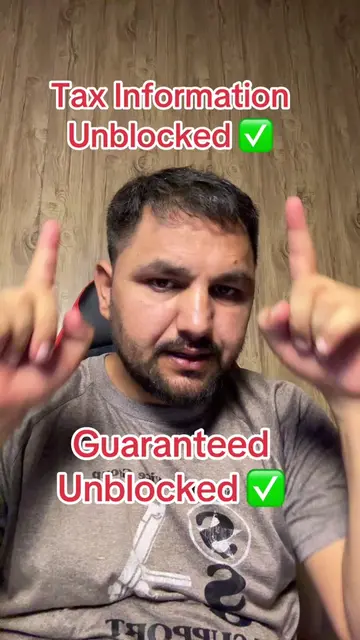
Hook
So close to a full 4-week run. Let's do it!
@techsalaarkhan
1.2M followers · usually 6.3K views a post
Views
180.3K
Likes
6.7K
Comments
165
Shares
608
Promoted product
TikTok
Why it worked
The video provides a practical, step-by-step guide on how to use TikTok's LIVE Studio to stream games, which is a valuable tutorial for aspiring content creators. The creator's personal experience and disclaimer add authenticity, while the clear demonstration of the process makes it easy to follow.
Summary
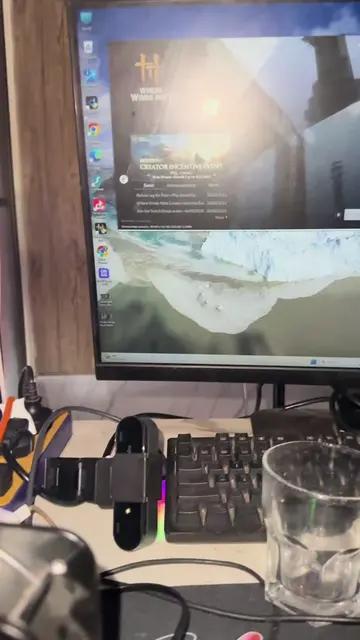
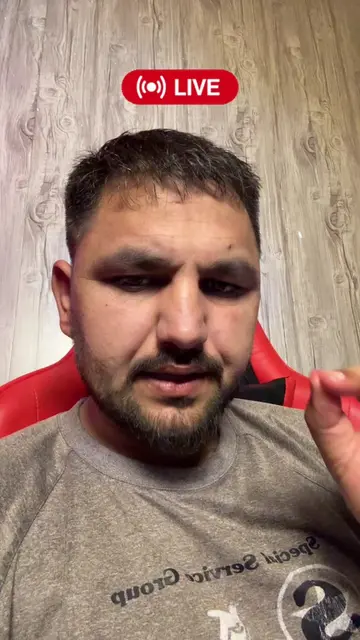
The creator is demonstrating how to go live on TikTok, specifically within the TikTok LIVE Studio. They are showing how to set up the stream, select a game (Marvel Rivals), and manage the broadcast settings. The video highlights the process of going live and the tools available within the platform.
Structure
- 1Creator shows the TikTok LIVE Studio interface.
- 2Creator navigates through different settings and options.
- 3Creator selects 'Marvel Rivals' as the game to stream.
- 4Creator explains the process of setting up the stream.
- 5Creator demonstrates how to start the live broadcast.
Product placement
TikTok: The platform used to stream and manage the live broadcast. It acts as the interface for the creator to go live and interact with viewers. Removing it would mean the video cannot be made.
Marvel Rivals: A game that is being showcased and potentially played during the live stream. It is the subject of the stream and the content being presented to the audience. Removing it would change the content of the video.
Original caption
@Tech Salaar Khan
More from @techsalaarkhan
More breakout videos from this creator.