Loading video…
Sound

original sound - versatilevibesonly
VersatileVibesMusic · Original audio
0:00–:––
- Videos using it
- 2
- Creators
- 2
- Views on those videos
- 1.6M
Hook
Posted Aug 17, 2026Video · 0:39by @ios.hype
The video provides a practical and organized solution for a common student problem: note-taking and organization. By demonstrating a specific, useful application like OneNote in a clear, step-by-step manner, it offers tangible value to viewers preparing for school.
This video demonstrates how to use Microsoft OneNote to organize notes for school. It shows how to download the app, create sections for subjects, and add pages for lessons, highlighting features like the highlighter and the ability to insert files.
@Microsoft OneNote #macbook #onenote #microsoft #school #organize
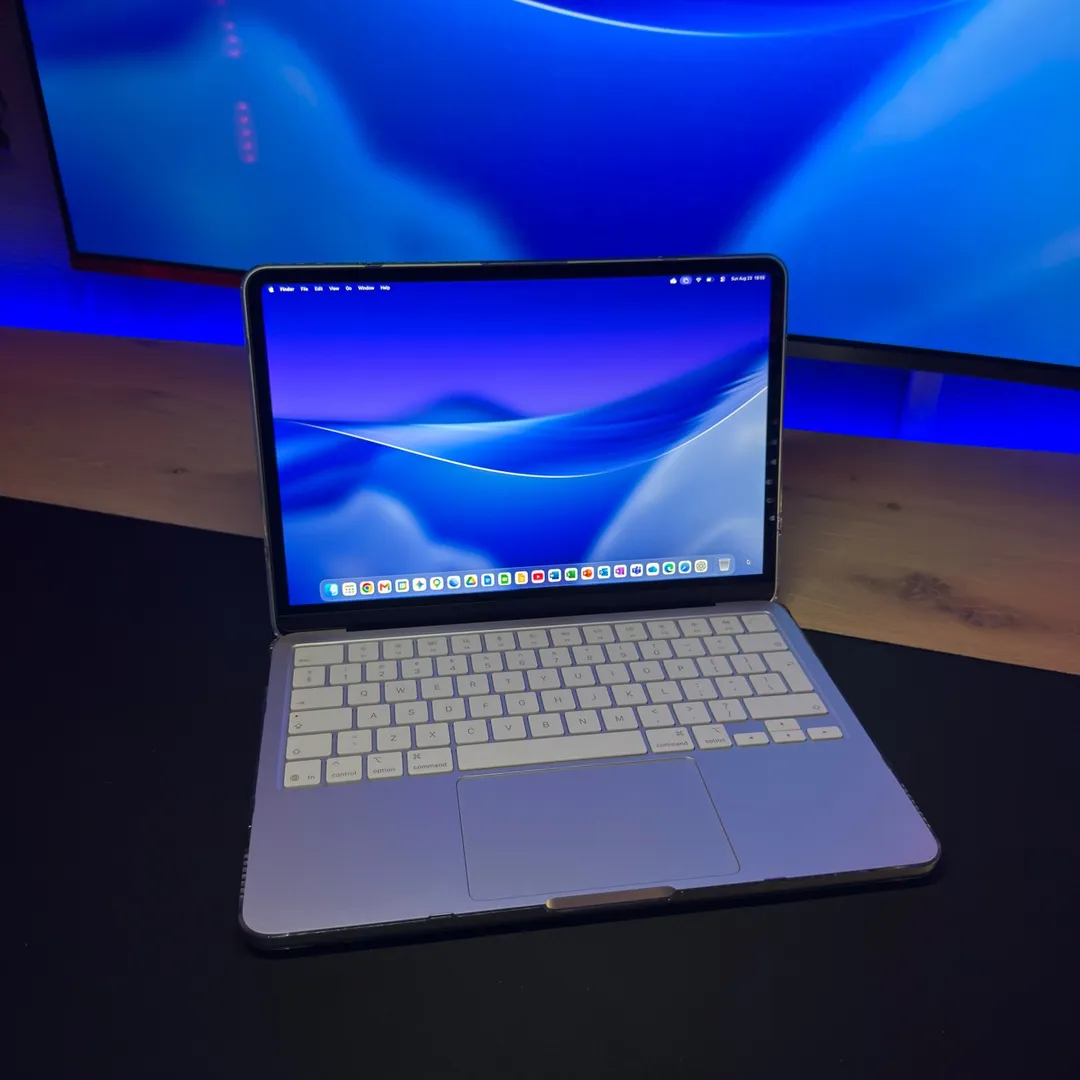
Things to do to make your Macbook ready for back to school Part. 3
Open the App Store
Search for and download OneNote
Create sections for subjects
Add pages for lessons
Utilize features like highlighting and inserting files
Organize notes effectively
Microsoft OneNote: ACTS - it is an app used to capture notes, ideas, and memos. Removing it would change what happens in the video. Apple: APPEARS - it is a logo on the Macbook. Removing it would not change what happens in the video. Microsoft: APPEARS - it is a logo on the Macbook. Removing it would not change what happens in the video.
Promotes 1 product. Create free account to see more.
Outliers and viral hits: their videos on Overshot, all time.
Digital note-taking software for students and people organizing notes, ideas, and memos
All time.