Loading video…
All breakouts
355Talking HeadHow-To hookCreator Economy
Hook
Let's get your first viral video!?!
@mommacolleen.7
355.9K followers · usually 2.1K views a post
Views
439.1K
Likes
3.7K
Comments
391
Shares
576
Promoted product
TikTok
Why it worked
The video provides a simple, actionable tip for TikTok users looking to increase their visibility by leveraging a built-in platform feature. The creator's direct and encouraging tone, combined with a clear demonstration, makes the advice easy to follow and potentially effective for aspiring creators.
Summary
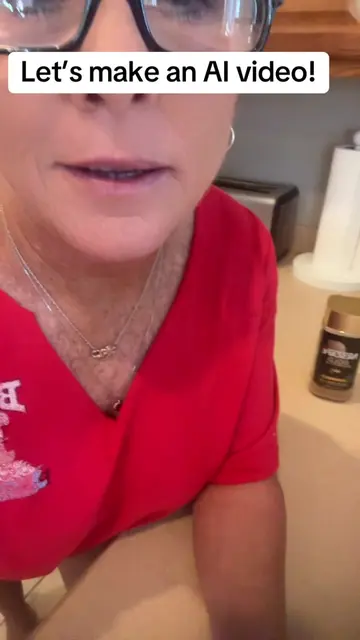
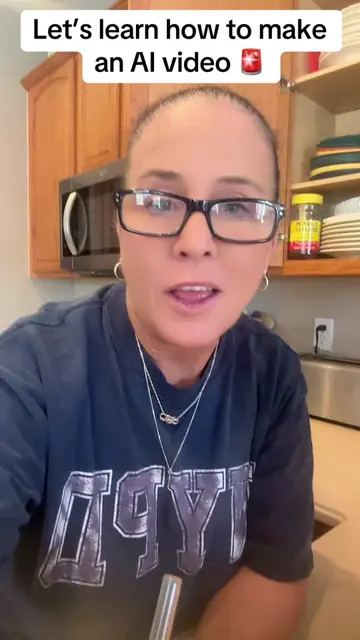
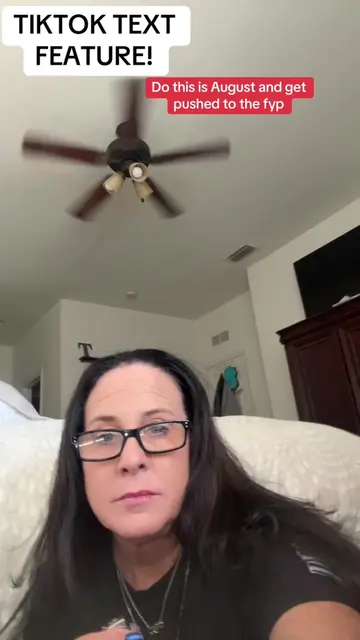
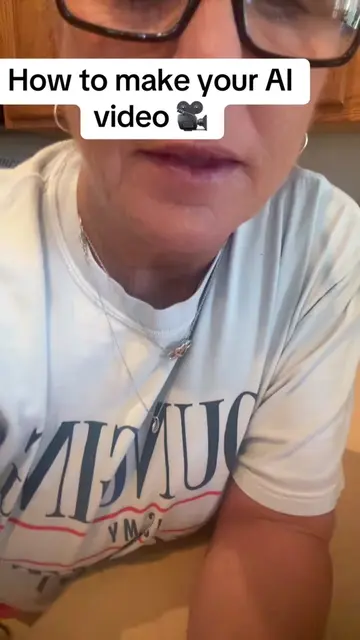
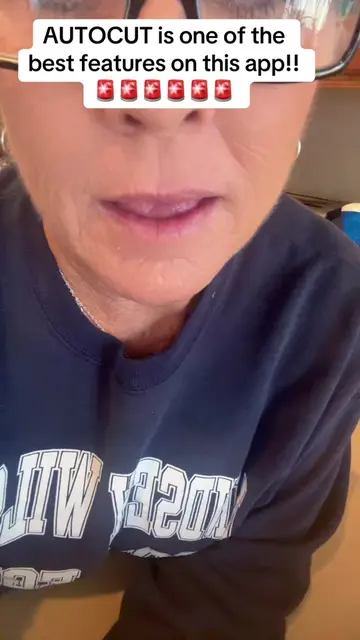
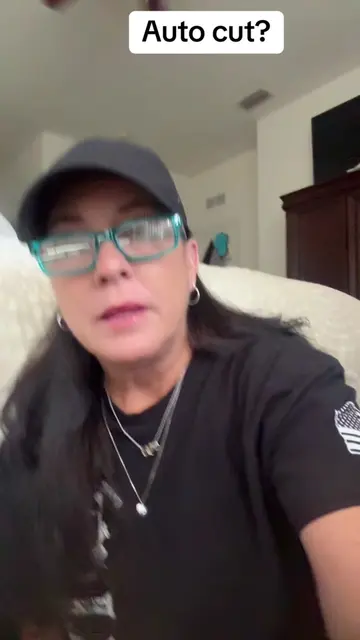
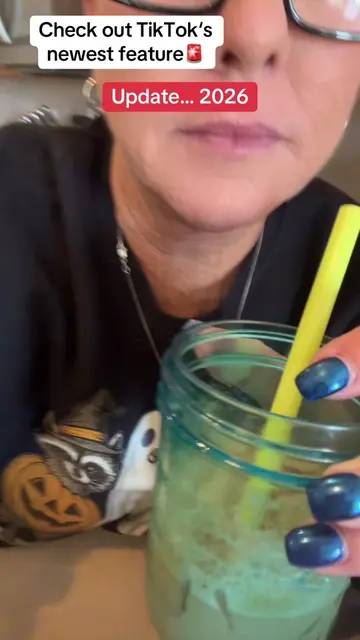
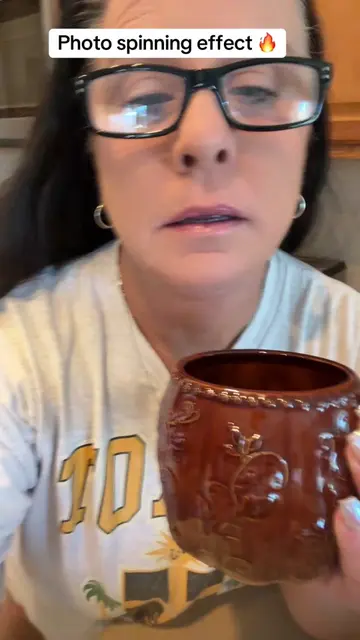
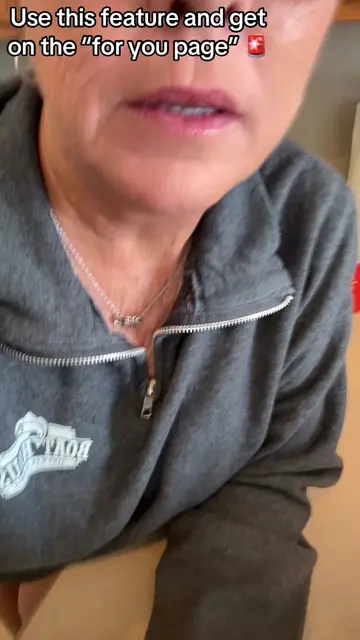
This video explains how to use TikTok's AutoCut feature to create viral content. The creator advises viewers to save and share the video, then demonstrates how to access AutoCut within the app by inserting photos and letting TikTok automatically edit them with music and effects.
Structure
- 1Introduction to creating viral videos on TikTok
- 2Explaining the importance of using TikTok's features
- 3Introducing and demonstrating the AutoCut feature
- 4Explaining how AutoCut works with photos and sounds
- 5Encouraging consistent use of AutoCut for growth
Product placement
TikTok (app): The video explains how to use TikTok's features to create viral videos. Removing it would change the video's topic. AutoCut (feature within TikTok): The video demonstrates how to use AutoCut, a feature within TikTok, to edit videos. Removing it would change the video's topic.
On-screen text
Original caption
Let’s get your first viral video… By letting TikTok edit for you using auto cut! #tiktoktips #contentcreator #autocut
More from @mommacolleen.7
More breakout videos from this creator.