Loading video…
Sound

original sound - minleemusic
minlee 민리 · Original audio
0:00–:––
Playing this video’s own audio, so you’ll hear the creator over the sound.
This video promotes it, but we haven’t matched it to a product page yet, so there are no product figures.
The video offers a practical, time-saving solution for content creation on TikTok, leveraging a built-in feature that automates a common pain point for creators. The advice to use both the feed and stories simultaneously for increased reach is a valuable growth hack.
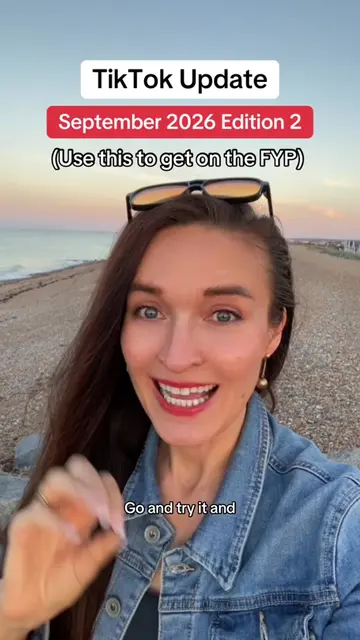
The video demonstrates how to use TikTok's AutoCut feature to create videos by selecting random photos and short clips. It advises users to leverage this feature and post the content to both their feed and story to increase visibility, especially when unsure what to post.
Why my face pop up like that?🤣 Tutorial on how to use the AutoCut feature. #tiktoktips #howtogoviraltips #smallcreators #tiktokfeature #creatorsearchinsights
Move on TikTok that
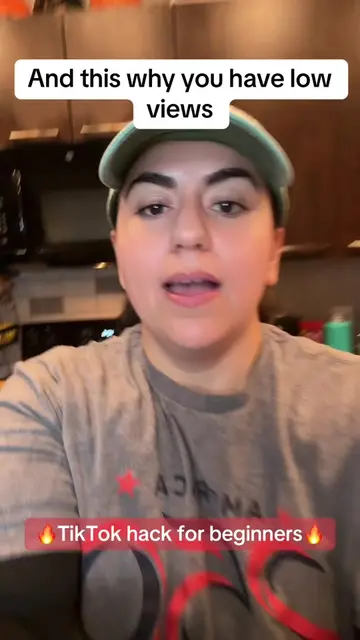
Introduce the problem of low engagement and a solution for FYP visibility.
Explain how to use the AutoCut feature by selecting random media.
Demonstrate the process of selecting clips and letting TikTok auto-edit.
Emphasize not changing the trending sound.
Instruct to post the video to both the feed and story for maximum reach.
Encourage trying the feature to gain views and grow on TikTok.
TikTok (app): a social media platform for creating and sharing short-form videos. It ACTS as the platform where the tutorial takes place and its features are demonstrated. Removing it would change what happens in the video. AutoCut (feature): a video editing feature within TikTok that automatically edits clips. It ACTS as the tool being demonstrated and used to create a video. Removing it would change what happens in the video.
Go ahead and follow me because I share TikTok tips like this every single day.
Playing this video’s own audio, so you’ll hear the creator over the sound.
Promotes 1 product. Create free account to see more.
Outliers and viral hits: their videos on Overshot, all time.