Loading video…
Sound

original sound - openart_ai
OpenArt · Original audio
0:00–:––
Playing this video’s own audio, so you’ll hear the creator over the sound.
The creator leverages her own viral success as social proof to introduce a tool that solves a high-friction creative problem (making music videos) with a simple, accessible workflow.
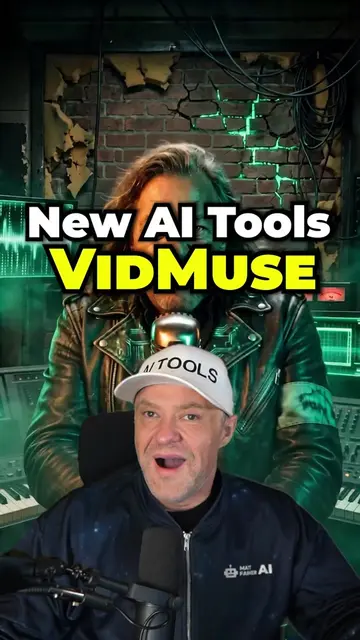
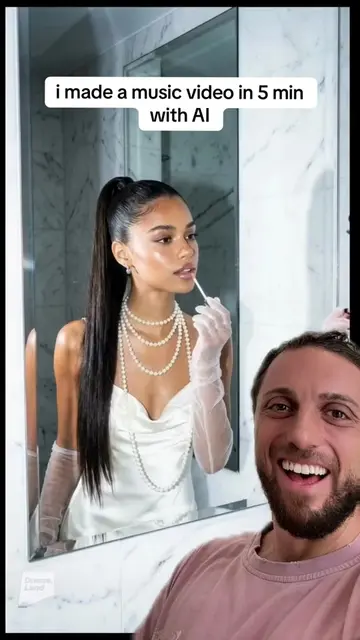
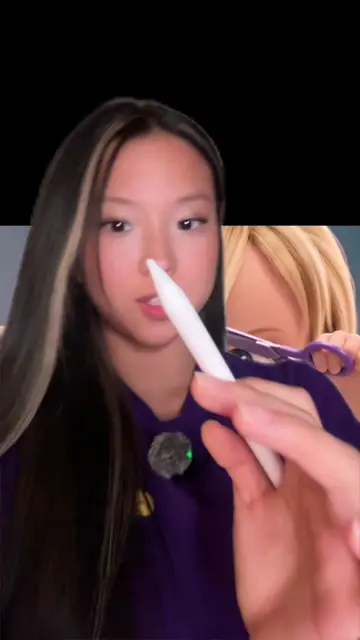
The creator explains how she uses the AI tool OpenArt Director to generate professional-looking music videos from simple text prompts and music files. She demonstrates the step-by-step workflow, highlighting how the tool simplifies the production process for creators without technical skills.
Make Your Music Video With @OpenArt AI DIRECTOR
3.1 million plays on my Suno channel.
Hook with channel success
Problem: music needs visuals
Solution: OpenArt Director demo
Editing workflow demonstration
Call to action
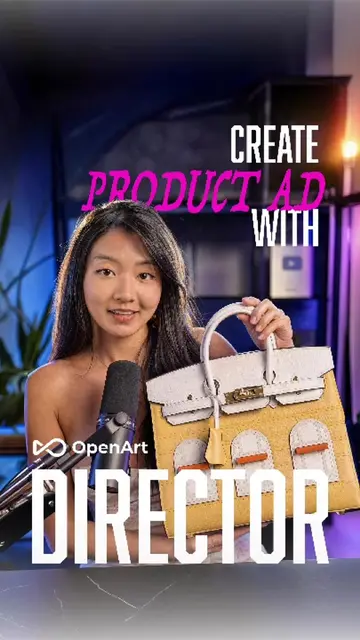
(a) OpenArt Director: The creator demonstrates its interface, shows how to upload music and character references, inputs text prompts to generate a music video, and uses its editing tools to adjust shots. This is the primary subject of the video and its operation is the core of the content. (b) Suno: Appears as a platform name in the background of the screen recording. It is not the focus of the tutorial and removing it would not change the video's purpose. (c) Rode: The microphone brand appears as a logo on the hardware in front of the creator. It is incidental.
If you have not tried Director, all you need is a vibe and an idea and just sit back and relax for your video to come together within just minutes.
Playing this video’s own audio, so you’ll hear the creator over the sound.
AI video creation tool for creators making films and music videos from prompts
All time.
Outliers and viral hits: their videos on Overshot, all time.