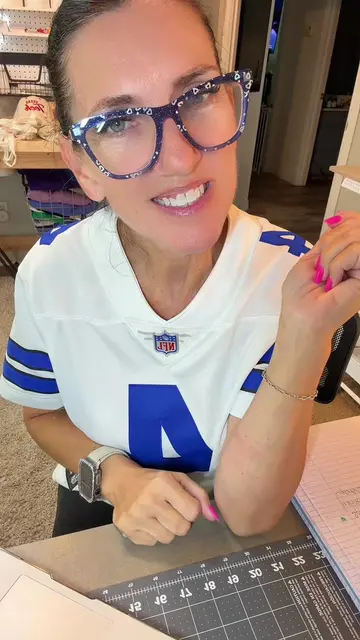
Loading video…
All breakouts
 231 videos130 creators
1.3KApp DemoDirect Question hookEducation
Hook
Did you know
@adventuresofmrsbell
46.1K followers · usually 760 views a post
Views
1.2M
Likes
140.5K
Comments
429
Shares
27.0K
Promoted product
Canvacanva.com
Why it worked
The video provides practical, visually engaging "hacks" for a popular design tool (Canva) that are directly applicable to educators, a large and active TikTok community. The use of keyboard shortcuts makes the tips easily shareable and memorable, driving engagement and potential virality.
Summary
The video demonstrates several interactive features within Canva's presentation mode, showing how to use keyboard shortcuts to add effects like a quiet emoji, drums, blur, timers, curtains, confetti, bubbles, and a mic drop. These features are presented as ways to engage students and add flair to presentations.
Structure
- 1Introduction to Canva features
- 2Demonstration of Q for quiet emoji
- 3Demonstration of 1-5 for timers
- 4
Original caption
Effects in Canva slides presentation mode #canvahacks #canva #teachersoftiktok #teacher #canvatutorial
More from @adventuresofmrsbell
More breakout videos from this creator.