Loading video…
All breakouts
 231 videos130 creators
178App DemoDirect Question hookEducation
Hook
Did you know that Canva could do this?
@adventuresofmrsbell
46.1K followers · usually 760 views a post
Views
162.8K
Likes
6.1K
Comments
109
Shares
1.5K
Promoted product
Canvacanva.com
Why it worked
The video provides high-value, actionable 'how-to' content that solves a specific creative problem, making the product's utility immediately obvious to the viewer.
Summary
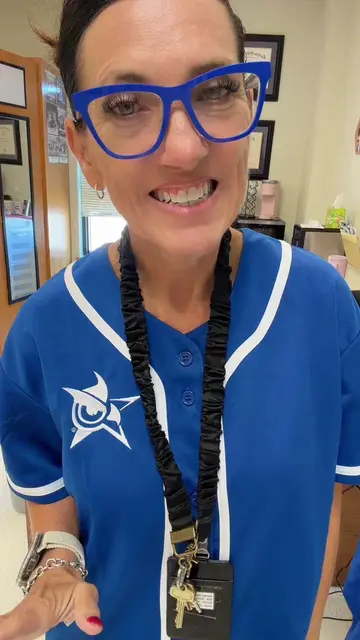
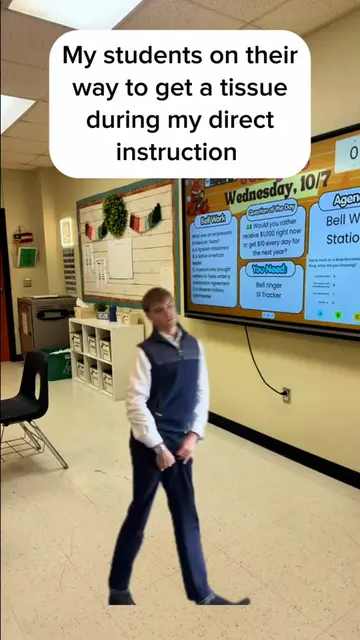
The creator demonstrates two new AI-powered features in Canva: 'Magic Layers' for separating elements in an image and 'Image to Video' for animating those elements. She walks through the steps to use these tools to edit a photo of a book and leaves.
Structure
- 1Introduction to new Canva features
- 2Demonstration of Magic Layers
- 3Demonstration of Image to Video
- 4Refining the result with Background Remover
Original caption
How to use magic layers and create videos from an image #canva #canvatipsandtricks #canvahacks #teachersoftiktok #teacher
More from @adventuresofmrsbell
More breakout videos from this creator.