Loading video…
All breakouts
523App DemoStory Open hookEducation
Hook
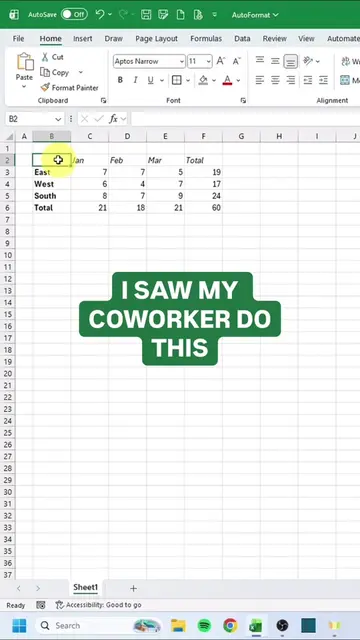
I SAW MY COWORKER TRACKING ATTENDANCE LIKE THIS
@miss.excel
1.0M followers · usually 2.9K views a post
Views
1.5M
Likes
40.1K
Comments
66
Shares
2.6K
Why it worked
The video provides a practical and visually engaging solution to a common workplace problem, leveraging a widely used software (Excel) with a clear, step-by-step demonstration and a useful shortcut.
Summary
The video demonstrates how to create an interactive attendance tracker in Microsoft Excel using checkboxes and a formula to calculate attendance percentage. It shows the steps of selecting cells, inserting checkboxes, and inputting a formula to automatically tally attendance.
Structure
- 1Show coworker's manual attendance tracking
- 2Introduce the improved method
- 3Select cells for checkboxes
- 4
Original caption
Smarter spreadsheets > less stress 😅 #excel #exceltips #corporate #workhacks
More from @miss.excel
More breakout videos from this creator.