Loading video…
Sound

original sound - its_me_katy_g
ItsMeKatyG | Creator Growth · Original audio
0:00–:––
Playing this video’s own audio, so you’ll hear the creator over the sound.
This video promotes it, but we haven’t matched it to a product page yet, so there are no product figures.
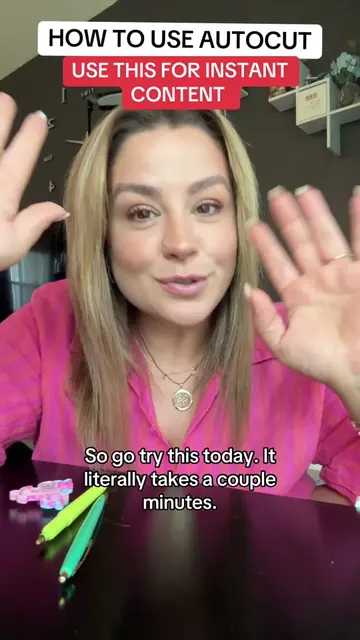
The video addresses a common pain point for TikTok creators (not knowing what to post) and offers a simple, actionable solution using a built-in platform feature. The creator's energetic delivery and clear instructions make the process seem easy and accessible, encouraging immediate adoption.
The creator explains how to use TikTok's AutoCut feature to quickly create content from existing photos and videos. She emphasizes that the tool is user-friendly, even for beginners, and encourages viewers to use it to overcome content creation blocks and post to their stories for increased visibility.
Tutorial included - Why’d my face pop up like that? #tiktoktips #smallcreator #autocut
How to use tiktok AutoCut for instant content
Introduction to content creation struggles
Introducing TikTok AutoCut as a solution
Step-by-step guide on using AutoCut
Tips for selecting media and templates
Advice on posting strategy (stories vs. main feed)
Encouragement and call to action
TikTok AutoCut ACTS — it generates a video from user-provided media and templates, making content creation easier. Removing it would change what happens in the video. TikTok APPEARS — it is the platform where the video is posted and the tool is accessed. Removing it would change what happens in the video.
follow me for more TikTok growth tips that actually work!
Playing this video’s own audio, so you’ll hear the creator over the sound.
Promotes 2 products. Create free account to see more.
Outliers and viral hits: their videos on Overshot, all time.