Loading video…
All breakouts
230App DemoHow-To hookLifestyle
Hook
How to do this transition
@harlem_cruz
8.2K followers · usually 2.7K views a post
Views
617.9K
Likes
41.6K
Comments
493
Shares
3.5K
Why it worked
The video provides a clear, step-by-step tutorial for a popular video editing technique (transitions) on a widely used platform (TikTok). The use of on-screen text and visual cues makes it easy to follow, even without spoken narration.
Summary
This video demonstrates how to create a transition effect for TikTok videos. It guides the viewer through finding a clip, taking a screenshot, cropping it, adding it as an overlay, and then using the 'cut out' and 'animation' features to achieve the desired effect.
Structure
- 1Start with a clip and screenshot
- 2Crop the screenshot
- 3Add the screenshot as an overlay
- 4Use custom cutout to isolate the subject
- 5Apply an animation to the overlay
- 6Adjust the animation speed and finalize
Product placement
Carl's Jr. (restaurant chain): APPEARS - a sign for the drive-thru and restaurant name is visible in the background. Removing it would not change what happens in the video.
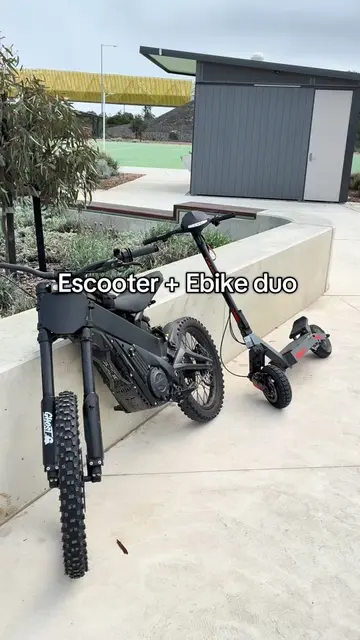
NIN (brand on scooter): ACTS - the brand name is visible on the scooter which is the subject of the video. Removing it would slightly change the visual identity of the scooter but not the core action.
Motion Tracker (app/software): APPEARS - a logo for this app is briefly visible on screen. Removing it would not change what happens in the video.
On-screen text
Original caption
Here’s the tut for this transition #fyp #viral #tutorial #bike #ebike
More from @harlem_cruz
More breakout videos from this creator.