Loading video…
Sound

original sound - CAPCUT TEMPLATE TRENDS
CAPCUT TEMPLATE TRENDS · Original audio
0:00–:––
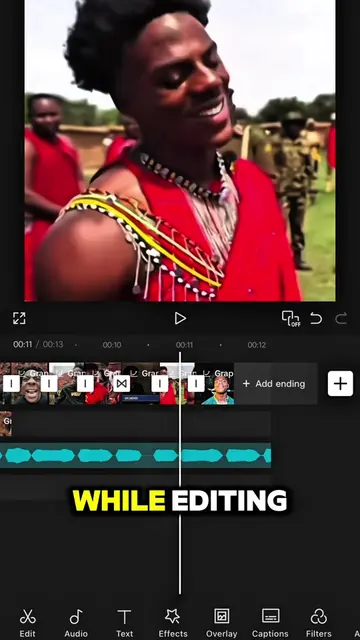
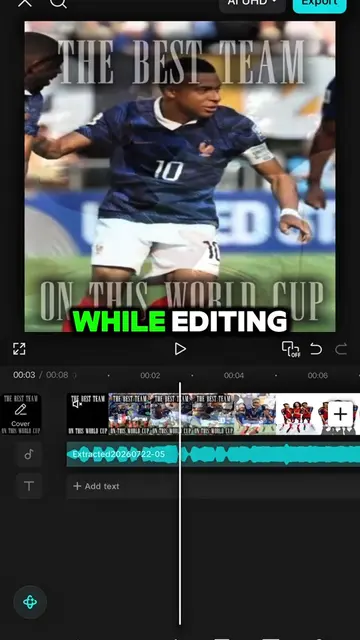
The video effectively uses a popular game aesthetic (Roblox) and a trending editing app (CapCut) to create a visually engaging tutorial. The step-by-step instructions, combined with clear on-screen text and a demonstration of advanced AI features, make it easy for viewers to follow along and replicate the effect, driving engagement and shares.
This video provides a tutorial on how to create a dancing animation using CapCut. It demonstrates how to use AI features to generate a character's movement based on a reference video and then apply it to a Roblox avatar, with instructions on chroma keying and color adjustment.
#CapCut Follow me for more tutorial! #capcutpioneer #capcutphoto #capcut_edit #fyp
TUTORIAL ON THIS DANCING STYLE
Demonstrate Roblox dancing style
Introduce CapCut as the editing app
Showcase AI photo editing and prompt usage
Generate character model with Seedream 5.0 Pro
Export and add to project
Use Mimic Motion with a reference video
Generate and export the final animation
Apply chroma key and adjust overlay
Duplicate and adjust overlays for final effect
CapCut: ACTS - it is used to edit a video, creating a visual result. Removing it would change what happens in the video. MiniMax H3: APPEARS - it is mentioned as a feature of AI video. Removing it would not change what happens in the video.
Click this link below to earn rewards from editing 😉 ⬇️⬇️⬇️⬇️⬇️⬇️
Video editing app for creators making social media videos
Views and creators: posted in the last 30 days (English videos). Videos: all time.
Outliers and viral hits: their videos on Overshot, all time.