Loading video…
Sound

Over the Horizon. Galaxy S4 2013
𝐃𝐢𝐥𝐚𝐧𝐚𝐬 𝐓𝐞𝐜𝐡 📱☀️ · Original audio
0:00–:––
Playing this video’s own audio, so you’ll hear the creator over the sound.
- Videos using it
- 15
- Views on those videos
- 632.2K
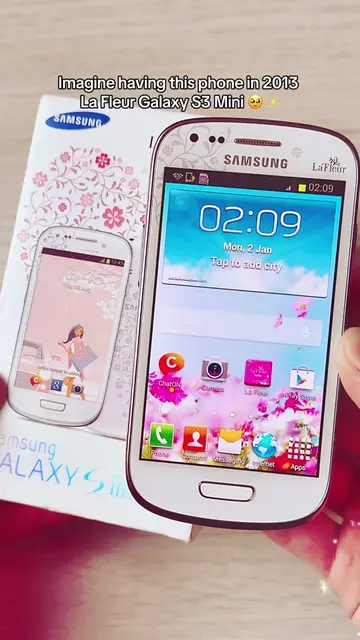
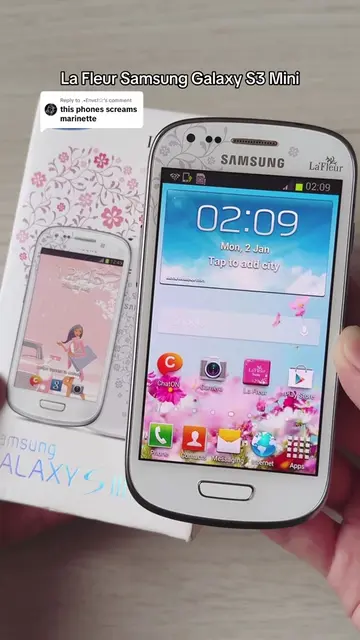
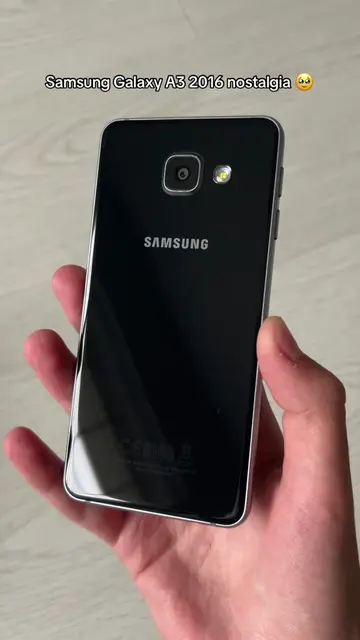
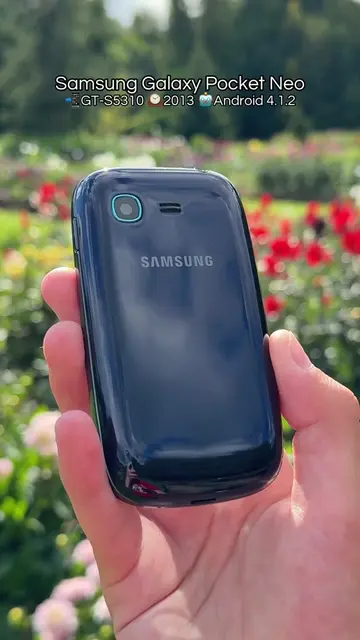
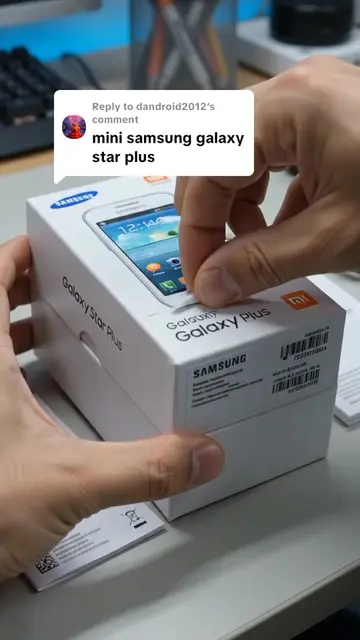
The video taps into nostalgia for older technology, appealing to a niche audience interested in retro tech and the evolution of smartphones. The clear demonstration of the phone's interface and operating system provides a direct look at a past era of mobile technology.
The video showcases the Samsung Galaxy S3 Mini VE, highlighting its design and the Android Jelly Bean operating system. It navigates through the phone's interface, showing various apps and settings.
Samsung Galaxy S3 Mini VE (Value Edition) GT-I8200N nostalgia 🥹 This is just a more updated version of the Galaxy S3 Mini, newer software, faster processor but features the same design 📱 #oldphone #oldphones #2010snostalgia #androidjellybean #samsunggalaxy
Samsung Galaxy S3 Mini VE
Showcase of the phone's front and back
Unlocking the phone and showing the home screen
Navigating through apps and widgets
Accessing settings and 'About device'
Displaying the Android Jelly Bean animation
Returning to the home screen and showing the dialer
Samsung Galaxy S3 Mini VE (ACTS - the phone's interface is operated, showing its functions and software; removing it would change what happens in the video). Samsung (APPEARS - logo on the phone; removing it would not change what happens in the video). Google (APPEARS - Google logo on the phone's home screen; removing it would not change what happens in the video). Chrome (ACTS - the Chrome app icon is visible and selectable, implying its functionality; removing it would not change what happens in the video). Play Store (ACTS - the Play Store app icon is visible and selectable, implying its functionality; removing it would not change what happens in the video). Internet (ACTS - the Internet app icon is visible and selectable, implying its functionality; removing it would not change what happens in the video). Camera (ACTS - the Camera app icon is visible and selectable, implying its functionality; removing it would not change what happens in the video). Samsung Apps (ACTS - the Samsung Apps app icon is visible and selectable, implying its functionality; removing it would not change what happens in the video). Phone (ACTS - the Phone app icon is visible and selectable, implying its functionality; removing it would not change what happens in the video). Contacts (ACTS - the Contacts app icon is visible and selectable, implying its functionality; removing it would not change what happens in the video). Messages (ACTS - the Messages app icon is visible and selectable, implying its functionality; removing it would not change what happens in the video). Apps (ACTS - the Apps icon is visible and selectable, implying its functionality; removing it would not change what happens in the video). TCHIBO (ACTS - the TCHIBO app icon is visible and selectable, implying its functionality; removing it would not change what happens in the video). Video (ACTS - the Video app icon is visible and selectable, implying its functionality; removing it would not change what happens in the video). Voice Recorder (ACTS - the Voice Recorder app icon is visible and selectable, implying its functionality; removing it would not change what happens in the video). Voice Search (ACTS - the Voice Search app icon is visible and selectable, implying its functionality; removing it would not change what happens in the video). YouTube (ACTS - the YouTube app icon is visible and selectable, implying its functionality; removing it would not change what happens in the video). Settings (ACTS - the Settings app icon is visible and selectable, implying its functionality; removing it would not change what happens in the video). Calculator (ACTS - the Calculator app icon is visible and selectable, implying its functionality; removing it would not change what happens in the video). Clock (ACTS - the Clock app icon is visible and selectable, implying its functionality; removing it would not change what happens in the video). Drive (ACTS - the Drive app icon is visible and selectable, implying its functionality; removing it would not change what happens in the video). Gmail (ACTS - the Gmail app icon is visible and selectable, implying its functionality; removing it would not change what happens in the video). Google+ (ACTS - the Google+ app icon is visible and selectable, implying its functionality; removing it would not change what happens in the video). Hangouts (ACTS - the Hangouts app icon is visible and selectable, implying its functionality; removing it would not change what happens in the video). Help (ACTS - the Help app icon is visible and selectable, implying its functionality; removing it would not change what happens in the video). Maps (ACTS - the Maps app icon is visible and selectable, implying its functionality; removing it would not change what happens in the video). Memo (ACTS - the Memo app icon is visible and selectable, implying its functionality; removing it would not change what happens in the video). Play Books (ACTS - the Play Books app icon is visible and selectable, implying its functionality; removing it would not change what happens in the video). Play Games (ACTS - the Play Games app icon is visible and selectable, implying its functionality; removing it would not change what happens in the video). Play Movies & TV (ACTS - the Play Movies & TV app icon is visible and selectable, implying its functionality; removing it would not change what happens in the video). Play Music (ACTS - the Play Music app icon is visible and selectable, implying its functionality; removing it would not change what happens in the video). Play Store (ACTS - the Play Store app icon is visible and selectable, implying its functionality; removing it would not change what happens in the video). Radio (ACTS - the Radio app icon is visible and selectable, implying its functionality; removing it would not change what happens in the video). S Voice (ACTS - the S Voice app icon is visible and selectable, implying its functionality; removing it would not change what happens in the video). Samsung Apps (ACTS - the Samsung Apps app icon is visible and selectable, implying its functionality; removing it would not change what happens in the video). Samsung Hub (ACTS - the Samsung Hub app icon is visible and selectable, implying its functionality; removing it would not change what happens in the video). Android (ACTS - the Android operating system is demonstrated and its version is shown; removing it would change what happens in the video). Jelly Bean (ACTS - the Jelly Bean mascot is shown, representing the Android version; removing it would not change what happens in the video).
Playing this video’s own audio, so you’ll hear the creator over the sound.
All time.
Promotes 2 products. Create free account to see more.
Outliers and viral hits: their videos on Overshot, all time.