Loading video…
Sound

original sound - unknown.tech
Unknown Tech · Original audio
0:00–:––
Playing this video’s own audio, so you’ll hear the creator over the sound.
The video taps into the popular trend of customizing operating systems to mimic others, specifically the highly sought-after macOS aesthetic on Windows. By providing a clear, step-by-step guide using a readily available tool (Windhawk) and offering the necessary code snippets, it offers tangible value and a desirable outcome for viewers interested in personalization.
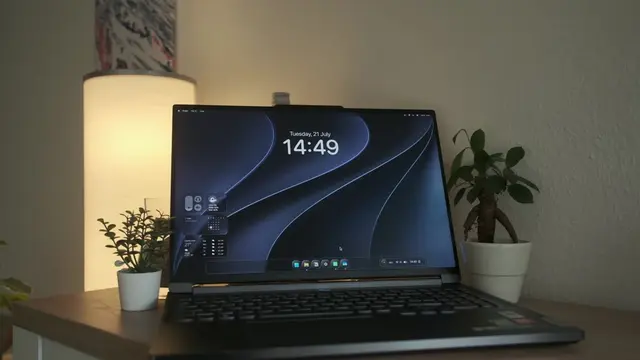
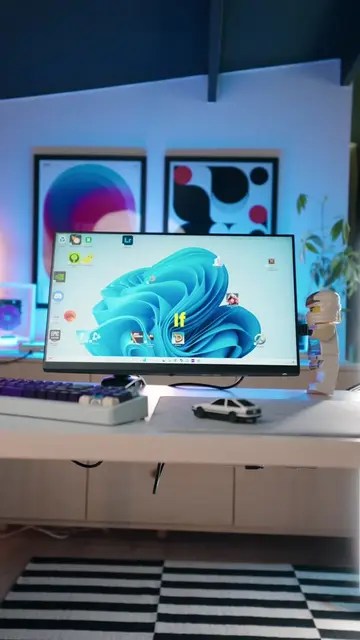
This video demonstrates how to customize Windows 11 to look like macOS using the Windhawk customization tool. It shows how to install and configure mods for the taskbar, start menu, and notification center to achieve a macOS-like aesthetic.
Your Windows PC can look like a Mac now! #setup #mac #windows #techtok
This is Windows
Introduction to Windows customization
Demonstrating macOS-like UI elements
Introducing Windhawk and its mods
Installing and configuring Taskbar Styler
Installing and configuring Start Menu Styler
Installing and configuring Notification Center Styler
Final result and call to action
Windows (operating system): APPEARS - It is the operating system being customized. Removing it would change what happens in the video. Apple (company): APPEARS - Logo shown. Removing it would change what happens in the video. Mac OS (operating system): APPEARS - The UI is being mimicked. Removing it would change what happens in the video. Windhawk (software): ACTS - It is a customization marketplace for Windows and programs. The video shows it being downloaded, installed, and used to apply themes. Removing it would change what happens in the video. Windows 11 Taskbar Styler (software): ACTS - It is a mod that customizes the taskbar. The video shows it being installed and configured. Removing it would change what happens in the video. Windows 11 Start Menu Styler (software): ACTS - It is a mod that customizes the start menu. The video shows it being installed and configured. Removing it would change what happens in the video. Windows 11 Notification Center Styler (software): ACTS - It is a mod that customizes the notification center. The video shows it being installed and configured. Removing it would change what happens in the video. GitHub (website): APPEARS - The creator's GitHub profile is shown. Removing it would change what happens in the video. Unknown Tech (brand): APPEARS - Channel/brand name shown on screen. Removing it would change what happens in the video. Unknown-Technology.com (website): APPEARS - Creator's bio link domain. Removing it would change what happens in the video.
Check out the long video link to you
Playing this video’s own audio, so you’ll hear the creator over the sound.
Promotes 2 products. Create free account to see more.
Outliers and viral hits: their videos on Overshot, all time.
Windows customization software for PC users installing desktop mods
All time.