Loading video…
All breakouts
303App DemoOther hookConsumer Apps
Hook
OTP Verification
@settigation
24.6K followers · usually 3.2K views a post
Views
975.8K
Likes
36.4K
Comments
343
Shares
2.4K
Why it worked
The video effectively showcases a common UI component with a clear and concise demonstration, appealing to developers interested in frontend design and animation.
Summary
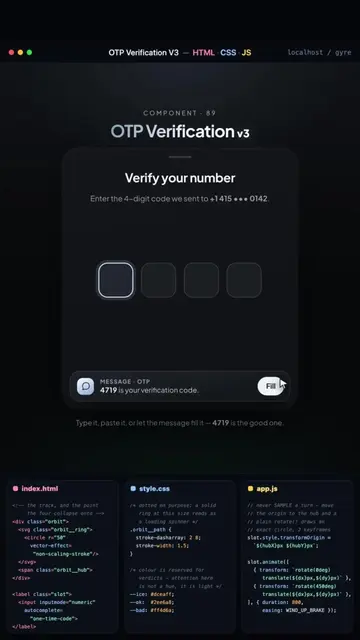
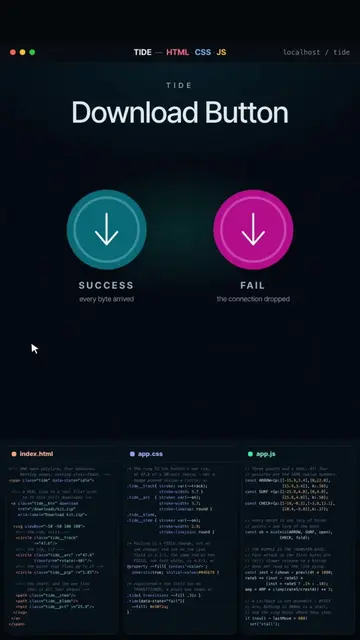
The video demonstrates an OTP verification component with a clean UI. It shows the process of entering a 4-digit code into input fields and a loading animation while the code is being confirmed. The video also displays the underlying HTML, CSS, and JavaScript code used to create the component.
Structure
- 1Display OTP verification UI
- 2Enter 4-digit code
- 3Code confirmation animation
- 4Show code snippet
On-screen text
OTP Verification
DECK
HTML CSS JS
localhost / otp-deck
COMPONENT - 100
OTP Verification
DECK
Enter your code
We texted a 4-digit code to +1.415...0142
Didn't get a code? Resend
Type it, paste it, or hit Enter - 1234 is the good one.
index.html
app.css
app.js
Original caption
Four boxes. One hand of cards. OTP Verification #frontend #webdesign #uianimation #cssanimation #webdevelopment
More from @settigation
More breakout videos from this creator.