Loading video…
Sound

original sound - ezcapcut
ezcapcut · Original audio
0:00–:––
The video provides a clear, step-by-step tutorial for a visually appealing effect that is popular on platforms like TikTok. The use of on-screen text and clear demonstrations makes it easy for viewers to follow along and replicate the effect.
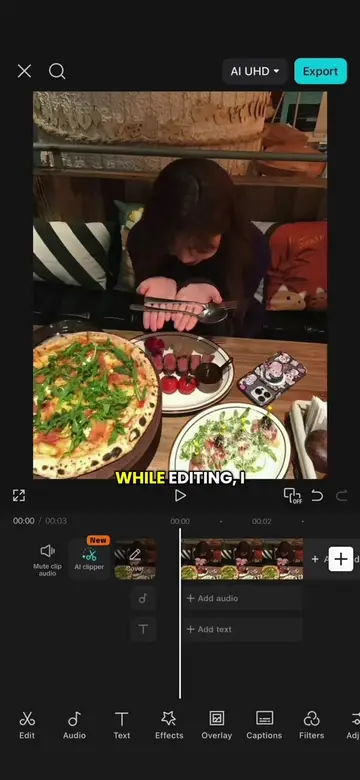
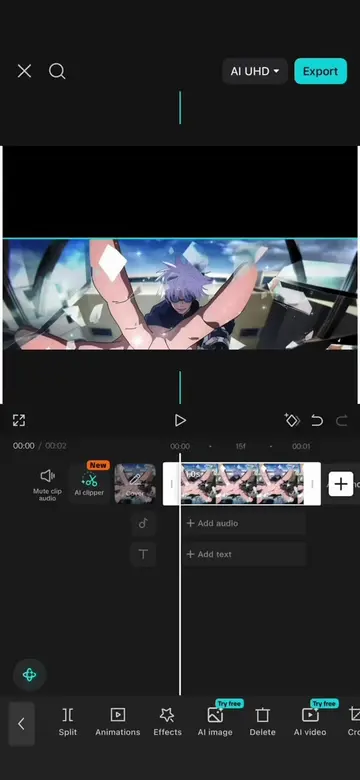
This video demonstrates how to create a scrolling memory film effect using CapCut. The creator shows how to scale the video, add keyframes, duplicate clips, apply a retro film effect, and add a pre-recorded lyrics overlay.
Make this Viral Memory Film Lyric Effect | CapCut Tutorial #CapCut #capcutpioneer #capcuttutorial #levi #anime
while editing, I
Scale video and add keyframes for upward scroll
Apply retro film effect
Duplicate clips and layer them
Align clips with keyframes
Add lyrics overlay using chroma key
Decorate with stickers
CapCut: This is an app used to edit videos. It ACTS in the video, as its interface is operated to create the video effect. Removing it would change what happens in the video. AI UHD: This appears to be a setting within CapCut, possibly related to video resolution. It merely APPEARS and removing it would not change what happens in the video.
Post to TikTok
Promotes 1 product. Create free account to see more.
Outliers and viral hits: their videos on Overshot, all time.
Video editing app for creators making social media videos
Views and creators: posted in the last 30 days (English videos). Videos: all time.