Loading video…
Sound

original sound - k.like93
K.like · Original audio
0:00–:––
Playing this video’s own audio, so you’ll hear the creator over the sound.
The video provides a clear, step-by-step tutorial for obtaining a visually appealing wallpaper, leveraging the trend of personalized phone aesthetics and offering a direct solution to a common user desire.
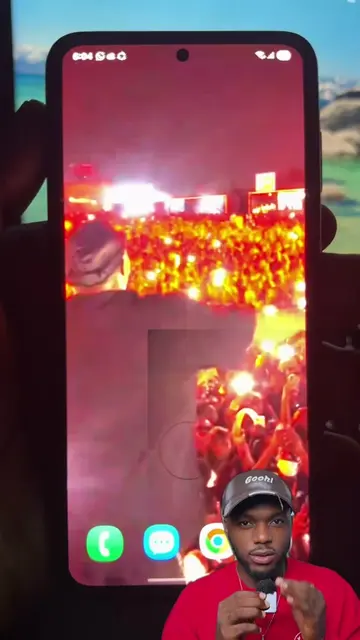
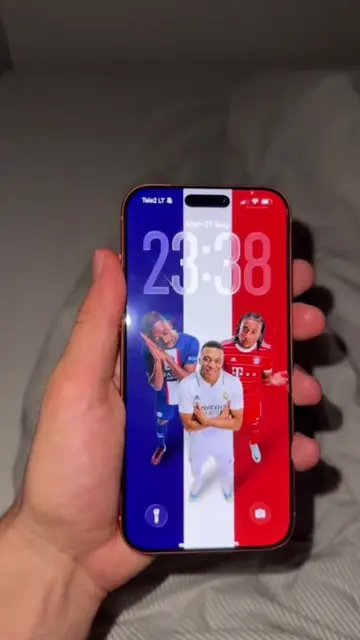
The video demonstrates how to obtain a 3D spatial wallpaper for an iPhone by following the on-screen instructions. It shows the process of using a template within an app to create and download the wallpaper.
iOS 26 how to get 3D spatial wallpaper background for your iPhone.One wallpaper. Endless compliments. #livewallpaper #4kwallpaper #dynamicwallpaper #iponewallpaper #wallpaper How to get a next-level lock screeniphone live background, 8k wallpaper, ios26 style, fyp, trending
How to get wallpapers?
Showcase of the animated wallpaper
Demonstration of using a template in an app
Navigating to the creator's profile and bio link
Downloading the wallpaper
CapCut: it ACTS as the video editing app used to create the wallpaper. Removing it would change what happens in the video. KlingaiApp: it APPEARS as the creator's bio link. Removing it would not change what happens in the video.
Follow my video operation
Playing this video’s own audio, so you’ll hear the creator over the sound.
Download App👇
All time.
Promotes 2 products. Create free account to see more.
Outliers and viral hits: their videos on Overshot, all time.