Loading video…
All breakouts
45.0App DemoHow-To hookConsumer Apps
Hook
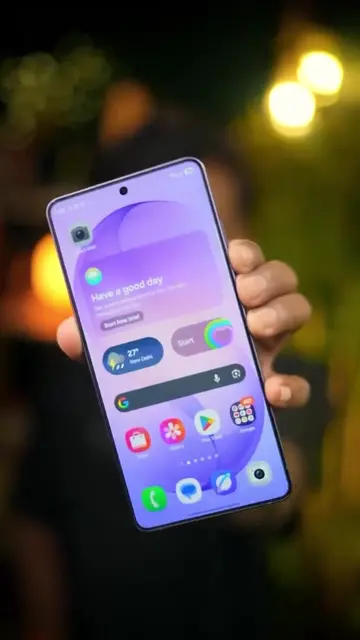
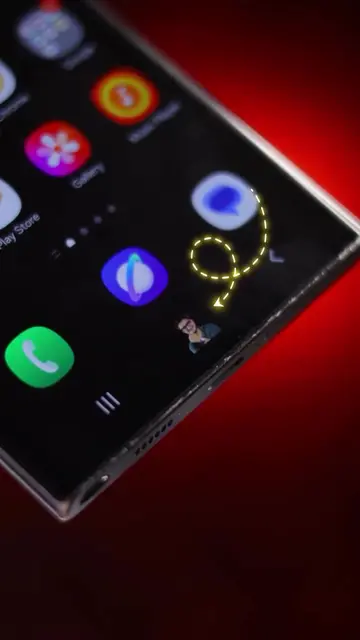
If you have a Samsung phone, you can make your volume control something unique
@digitalgeniushubj
123.5K followers · usually 25.1K views a post
Views
309.6K
Likes
8.6K
Comments
62
Shares
1.1K
Why it worked
The video provides a practical, visually appealing tutorial on customizing a popular smartphone brand's interface, directly addressing user desire for personalization and offering actionable steps through a readily available app.
Summary
This video demonstrates how to customize the volume panel and keyboard on Samsung phones using the Good Lock app and its modules, Sound Assistant and Keys Cafe. It shows users how to change lighting effects, shapes, colors, and keyboard designs to personalize their device's interface.
Structure
- 1Introduction to customizing Samsung phone UI
- 2Demonstrating volume panel customization with Sound Assistant
- 3Demonstrating keyboard customization with Keys Cafe
Original caption
Samsung users should definitely try this customization 👀✨ . . . . #samsung #samsungphone #tipsandtricks #reels #reelsinstagram #tiktokgrowthchallenge
More from @digitalgeniushubj
More breakout videos from this creator.
![3 keyboard secrets🔥 . [ android keyboard, keyboard features, keyboard tips] #ti](https://tiktokspy.sfo3.digitaloceanspaces.com/covers/7668760871174212878.jpg)