Loading video…
All breakouts
~99.2App DemoOther hookConsumer Apps
Hook
Home Nano Banana Pro Online Tools Features Download Academy 3s 5s 10s
@wallpaper_lovelylanguage
18.9K followers · usually 856 views a post
Views
84.9K
Likes
336
Comments
2
Shares
12
Why it worked
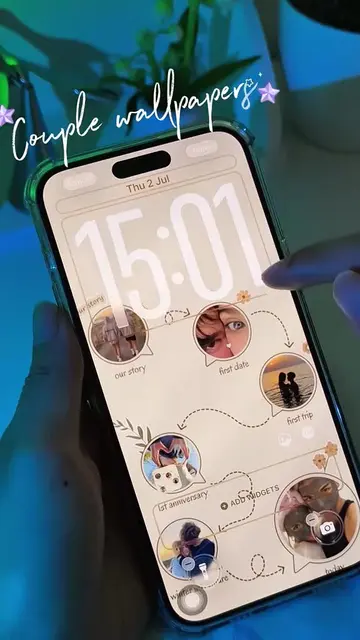
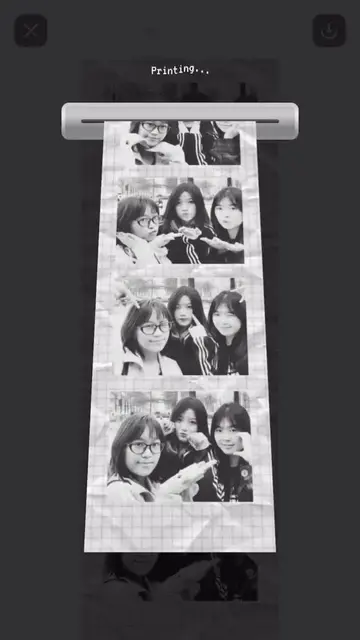
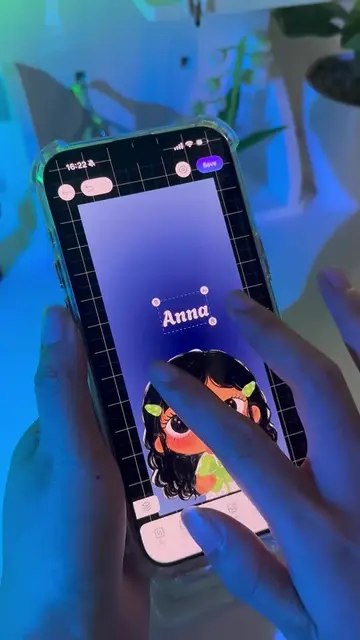
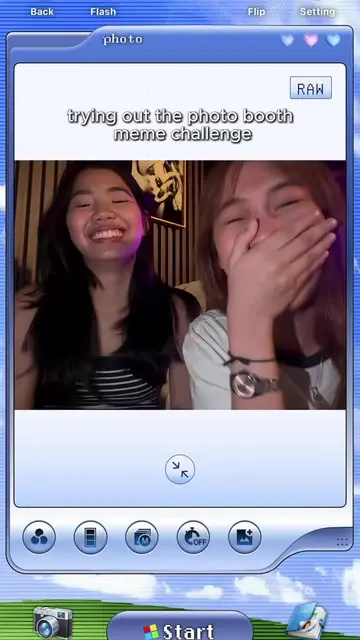
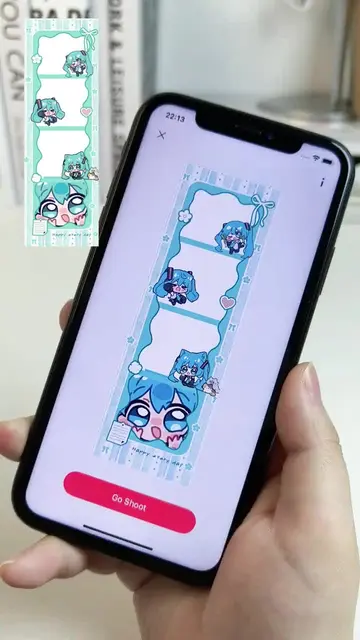
The video effectively showcases a fun and creative application with a clear, step-by-step demonstration. The use of visually appealing filters and stickers, combined with a relatable user interface, makes the product desirable and easy to understand.
Summary
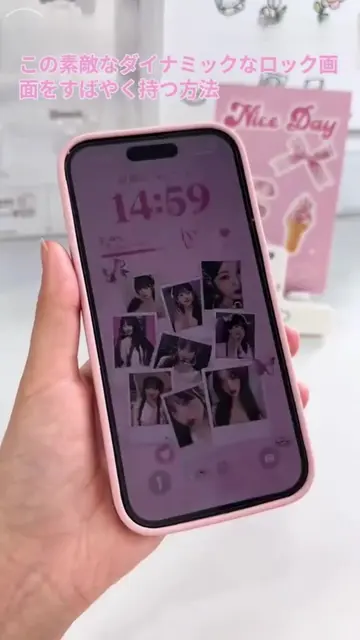
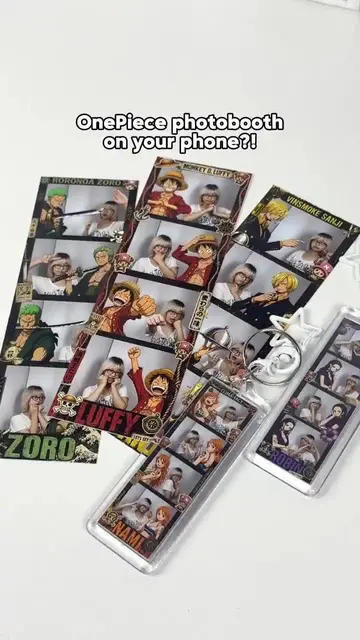
The video demonstrates how to use the BeautyPlus Photo Booth web application to create custom photo booth style images. It guides the viewer through selecting a grid, applying filters, adjusting lighting, and taking pictures, highlighting the variety of frames and stickers available.
Structure
- 1Introduction to BeautyPlus Photo Booth
- 2Step 1: Choose a grid layout
- 3Step 2: Select filters
- 4
Original caption
Customizable Photo Booth Templates: Capture Unique Moments
More from @wallpaper_lovelylanguage
More breakout videos from this creator.