Loading video…
Sound

original sound - inspiredvfx1
Inspired Vfx · Original audio
0:00–:––
- Videos using it
- 94
- Creators
- 4
- Views on those videos
- 36.9M
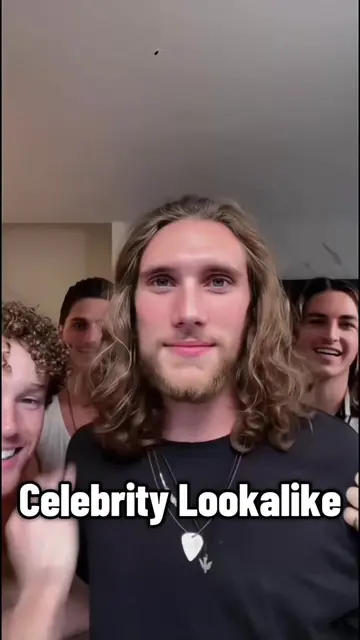
The video provides a clear, step-by-step tutorial for a popular trend (using a filter), making it easy for viewers to replicate the effect and increasing its shareability.
This video demonstrates how to use a filter on CapCut. It instructs viewers to click the arrow in the bottom right corner, copy the video link, then click "Templates" on the left and select "Use Template" to apply the filter to their own photos.
I found this amazing template in CapCut. Tap the link to try it out! Loop me filter tutorial #loopme #funnyvideos #trend #capcut #capcutpioneer
It's obviously time for for me to go to bed
Introduction to the filter's purpose
Instructions to copy the video link
Instructions to find and use the template
Guidance on selecting photos and clicking next
CapCut: ACTS - it is an editing app that is used to create videos. Removing it would change what happens in the video. It is the subject of the tutorial. Qri: APPEARS - this is the creator's username. Removing it would not change what happens in the video.
Tap the link to try it out!
Promotes 1 product. Create free account to see more.
Outliers and viral hits: their videos on Overshot, all time.
Video editing app for creators making social media videos
Views and creators: posted in the last 30 days (English videos). Videos: all time.