Loading video…
Sound

original sound - wallpaper_lovelylanguage
Wallio - Live Wallpapers · Original audio
0:00–:––
Playing this video’s own audio, so you’ll hear the creator over the sound.
The video effectively showcases a visually appealing and customizable product that allows users to personalize their devices, tapping into the trend of personalized digital aesthetics.
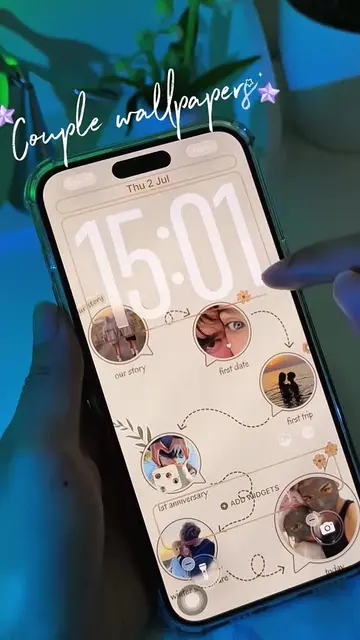
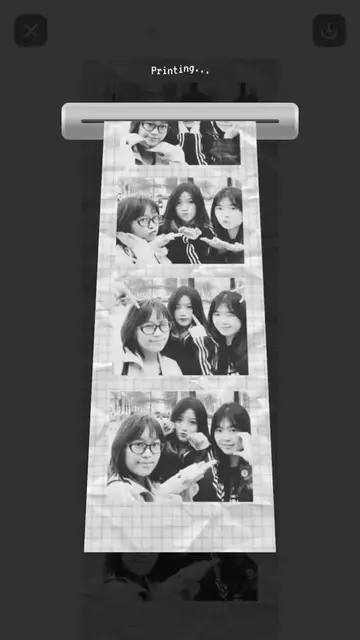
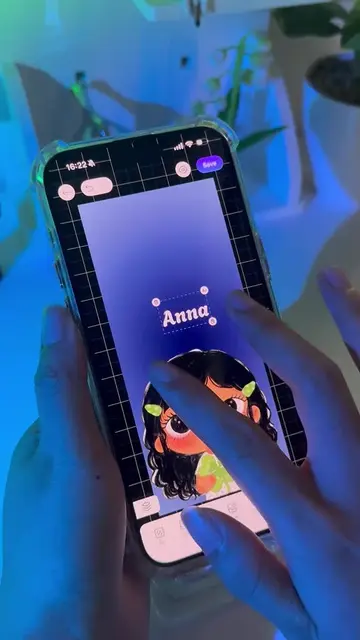
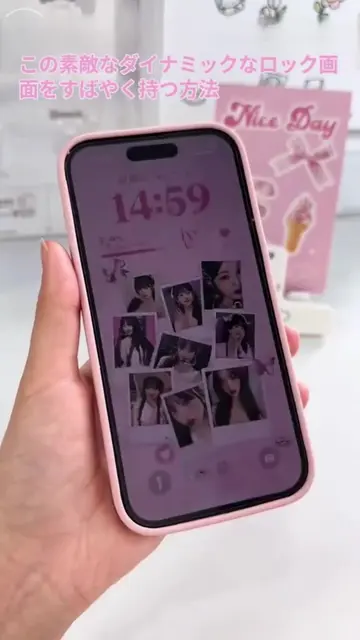
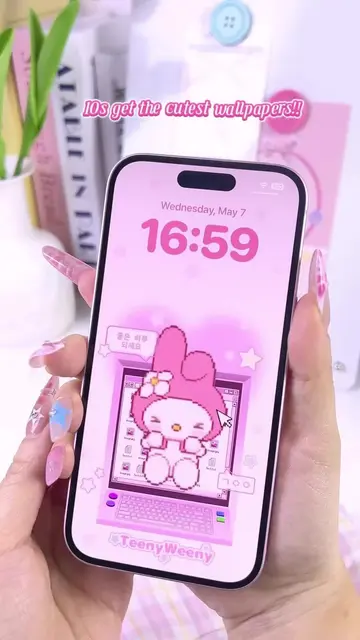
The video demonstrates how to create custom live wallpapers using the DIY WALLPAPER app. It shows the process of selecting photos, arranging them, and customizing the wallpaper before saving it.
Create Your Own Unique Wallpapers!
LIVE PHOTO
Showcase of existing wallpapers
Demonstrate photo selection and arrangement
Showcase customization options
Final wallpaper preview and save
Call to action to download the app
DIY WALLPAPER (app): This app allows users to create custom wallpapers for their phones. It ACTS as a tool for personalization. Removing it would mean the video cannot demonstrate the wallpaper creation process. LIVE PHOTO (feature): This is a feature of the iPhone that allows for animated photos. It APPEARS on the screen, but removing it would not change the core functionality being demonstrated. iPhone (device): The phone itself is the device on which the app is being used. It APPEARS, but removing it would mean the demonstration cannot take place. Google Play (platform): This is the app store where the DIY WALLPAPER app can be downloaded. It APPEARS as a button to download the app. Removing it would mean the user cannot be directed to the download location. Download Now (button): This button prompts the user to download the app. It ACTS as a call to action. Removing it would mean the user cannot be directed to download the app.
DOWNLOAD NOW
Playing this video’s own audio, so you’ll hear the creator over the sound.
Promotes 8 products. Create free account to see more.
Outliers and viral hits: their videos on Overshot, all time.
Phone app for creating custom wallpapers with photos, text and stickers
All time.