Loading video…
Sound

original sound - capcut_templatetrends
CAPCUT TEMPLATE TRENDS · Original audio
0:00–:––
Playing this video’s own audio, so you’ll hear the creator over the sound.
The video effectively uses a popular editing app (CapCut) and a trending visual style to create a tutorial that is both informative and visually engaging. The step-by-step instructions, combined with clear on-screen text and visual cues, make it easy for viewers to follow along and replicate the effect.
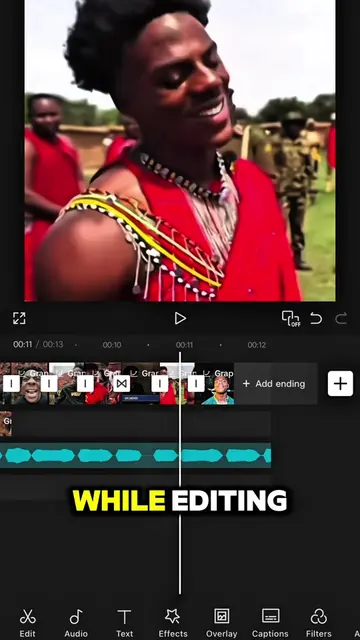
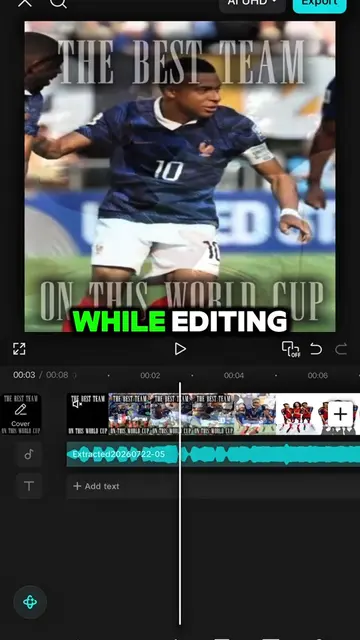
This video provides a tutorial on how to create a specific intro style using the CapCut app. It guides viewers through editing a photo, using AI generation, and applying various effects and keyframes to achieve the desired visual outcome.
#CapCut Follow me for more tutorial! #capcutpioneer #capcutphoto #capcut_edit #fyp
TUTORIAL ON THIS INTRO STYLE
Introduction to the tutorial and app
Editing a photo and using AI generation
Applying effects and adjustments to an overlay
Animating the overlay with keyframes
Adding and adjusting the main clip
Finalizing the intro sequence
CapCut: This is the video editing app used to create the intro. The app's interface is shown and its features are used to demonstrate the editing process. Removing it would fundamentally change the video, as it is the tool used for the tutorial. It ACTS. It is the primary tool used throughout the video.
Follow me for more tutorial!
Playing this video’s own audio, so you’ll hear the creator over the sound.
Outliers and viral hits: their videos on Overshot, all time.
Video editing app for creators making social media videos
Views and creators: posted in the last 30 days (English videos). Videos: all time.