Loading video…
Sound

original sound - amintech.us
amin ghaffari · Original audio
0:00–:––
Hook
Posted Aug 28, 2026Video · 1:11by @amintech.us
This video promotes it, but we haven’t matched it to a product page yet, so there are no product figures.
The video provides a clear, actionable tutorial on a trending, high-interest AI feature, making it highly valuable for users looking to experiment with new technology.
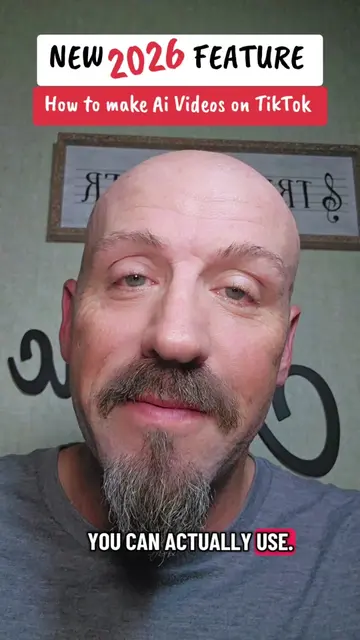
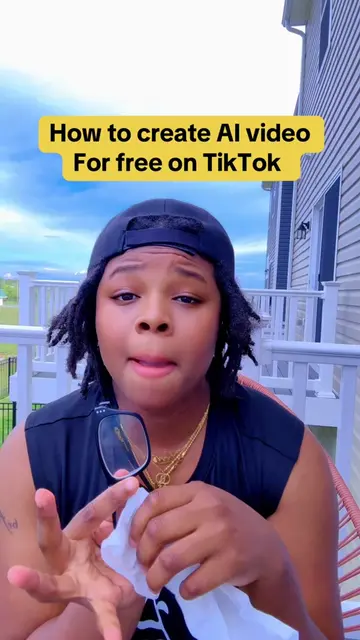
The creator demonstrates how to use the new AI Cast feature within the TikTok app to create an AI-generated avatar of oneself. He provides a step-by-step tutorial on navigating the app's interface to access and configure the tool.
تیکتاک با قابلیت جدید AI Cast میتونه فقط با یک اسکن کوتاه از صورتت، نسخه هوش مصنوعی خودت رو بسازه! 🤯 بعد از ساخت AI Self، کافیه صحنهای که میخوای رو توضیح بدی تا آواتارت داخل عکسها و ویدئوهای سینمایی ظاهر بشه؛ بدون اینکه هر بار جلوی دوربین بری. 🎬 این قابلیت هنوز بهصورت محدود ارائه شده و ممکنه برای همه حسابها نمایش داده نشه. اگر برات فعال شده، حتماً تنظیم دسترسی آواتارت رو بررسی کن و روی Only You بذار. برای شما گزینه AI Cast فعال شده؟ توی کامنتها بگید. 👇 @amintech.us #هوش_مصنوعی #تیک_تاک #آواتار_هوش_مصنوعی #AICast #amintech
تیکتاک داره با یک اسکن کوتاه از صورتت، نسخه هوش مصنوعی خودت رو میسازه.
Introduction to TikTok's AI Cast feature
Step-by-step tutorial on accessing the tool
Instructions for configuring AI avatar settings
Showcase of the AI-generated result
TikTok: (a) ACTS — the video demonstrates its interface and a specific feature (AI Cast) within it. Removing it would change the entire video. Amintech: (b) APPEARS — channel logo watermark. Removing it would not change the video content. AI Cast: (a) ACTS — the video demonstrates how to operate this feature within TikTok to generate an AI avatar. Removing it would change the video.
توی کامنتها بگید
Outliers and viral hits: their videos on Overshot, all time.