Loading video…
All breakouts
65.3Talking HeadHow-To hookCreator Economy
Hook
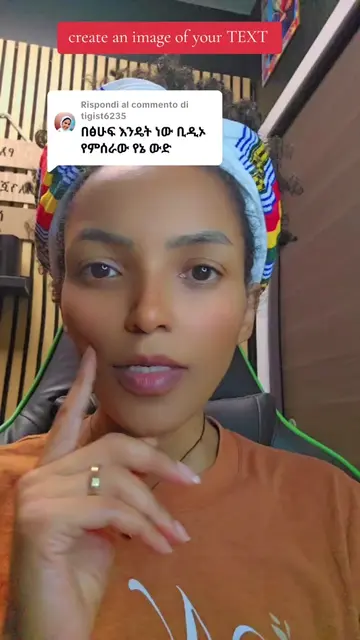
How to save without watermark here on TIKTOK
@merybeyene
3.6M followers · usually 3.7K views a post
Views
138.2K
Likes
3.1K
Comments
98
Shares
231
Promoted product
TIKTOK
Why it worked
The video addresses a common pain point for TikTok users: the desire to save videos without the platform's watermark. By providing a clear, step-by-step tutorial, it offers a practical solution that is highly shareable and valuable to the audience.
Summary
The video demonstrates how to save TikTok videos without a watermark. It shows the process of creating a video in TikTok, sharing it, and then selecting the option to save without a watermark, which then appears in the phone's gallery.
Structure
- 1Introduction to saving TikToks without watermark
- 2Demonstration of creating and saving a TikTok video
- 3Selecting the 'save without watermark' option
- 4Showing the saved video in the phone's gallery
- 5Confirming the video is saved without a watermark
Product placement
TIKTOK: it ACTS - it is an app where videos are created and saved. Removing it would change what happens in the video.
Gallery: it ACTS - it is an app where videos are saved. Removing it would change what happens in the video.
On-screen text
How to save without watermark here
on TIKTOK
Original caption
Replying to @lijselam3
More from @merybeyene
More breakout videos from this creator.