Loading video…
All breakouts
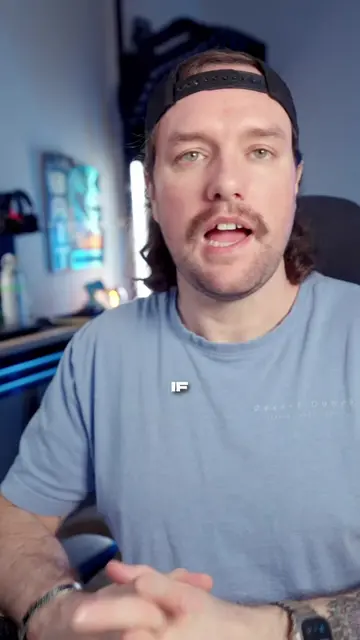
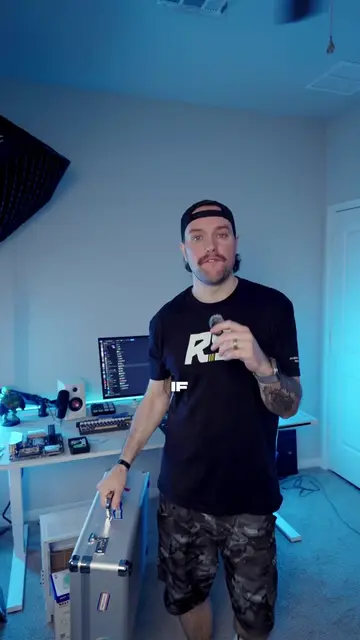
38.5Talking HeadWarning hookGames
Hook
WORST
@aboveaveragefps
244.9K followers · usually 14.9K views a post
Views
537.0K
Likes
31.6K
Comments
479
Shares
2.7K
Promoted product
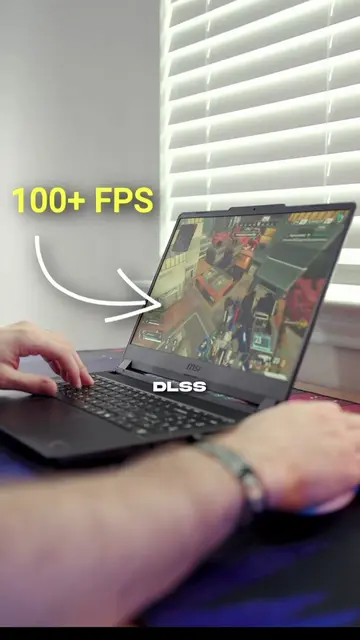
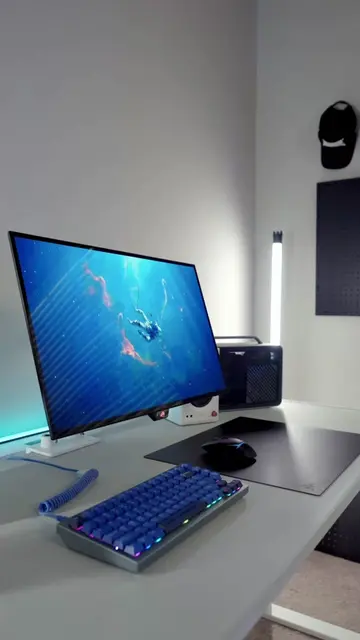
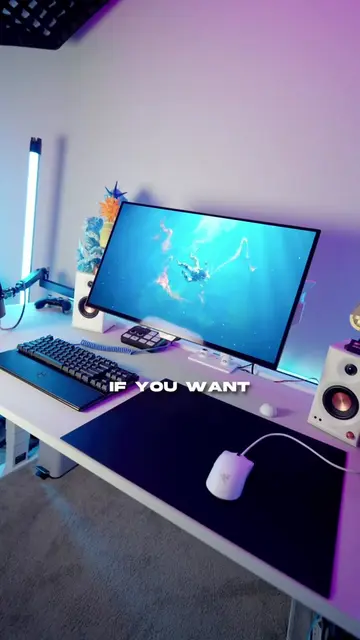
laptop gaming setup
Why it worked
The video offers a creative and unconventional solution to a common problem faced by laptop gamers, making it highly shareable and engaging due to its novelty and practical benefit.
Summary
The video demonstrates a method to improve laptop gaming setups by flipping the laptop upside down to create more space for peripherals and improve cooling. It outlines three steps: changing display orientation to landscape flipped, physically flipping the laptop, and connecting external peripherals.
Structure
- 1Problem: cramped laptop gaming setup
- 2Solution: flip the laptop upside down
- 3Step 1: Change display orientation
- 4Step 2: Physically flip the laptop
- 5Step 3: Connect peripherals and game
- 6Benefit: more space and better cooling
Product placement
ROG STRIX (appears on laptop, does not act, removing it would not change video)
Husky (appears on desk, does not act, removing it would not change video)
Call to action
Original caption
Gaming on laptop can be tough BUT this is one way to save space 🤷🏻♂️ DO NOT DO THIS WITH LIQUID METAL COOLING . #laptopsetup #desksetup #GamingSetup #laptopgamer #gaminglaptop
More from @aboveaveragefps
More breakout videos from this creator.