Loading video…
All breakouts
58.3Talking HeadProblem Callout hookGames
Hook
Windows Is killing Your
@aboveaveragefps
244.9K followers · usually 14.9K views a post
Views
812.1K
Likes
67.8K
Comments
614
Shares
5.3K
Why it worked
The video addresses a common pain point for PC users: slow performance due to pre-installed software. By offering a clear, step-by-step guide to 'debloating' Windows, it provides actionable advice that promises tangible improvements, making it highly shareable and valuable.
Summary
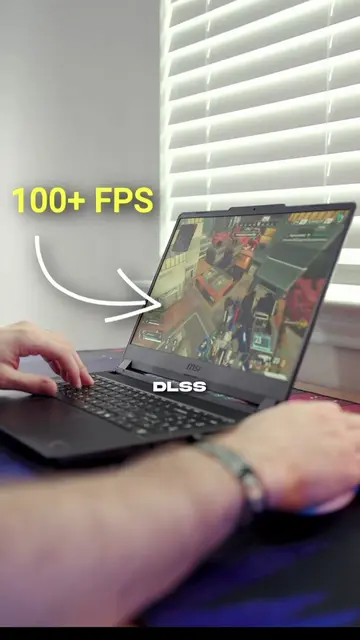
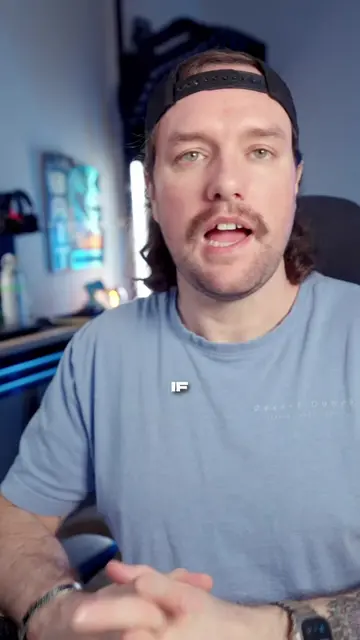
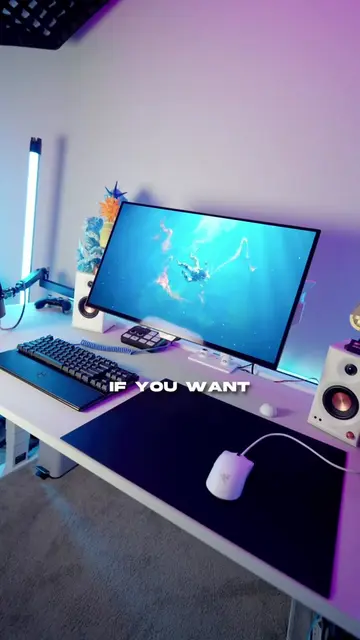
This video explains how to improve PC performance by uninstalling unnecessary programs from Windows. The creator guides viewers through the process of removing bloatware, including Microsoft applications and third-party software, to free up RAM and CPU resources.
Structure
- 1Introduction to Windows performance issues
- 2Demonstration of Task Manager showing resource usage
- 3Step-by-step guide to uninstalling programs
- 4
Original caption
Make windows better for gaming in less than 5 minutes by doing what I would consider a mini debloat! . #pctips #gamingpc #pcgaming #GamingSetup #windowstips
More from @aboveaveragefps
More breakout videos from this creator.