Loading video…
All breakouts Locked — upgrade to Pro to open.Open on TikTokPro
No preview available · watch on TikTok below
2.0AI Tools
Post
Post by @printpal.io
@printpal.io
84.1K followers · usually 18.6K views a post
Views
33.0K
Likes
1.0K
Comments
9
Shares
141
We’re still analyzing this post.
Original caption
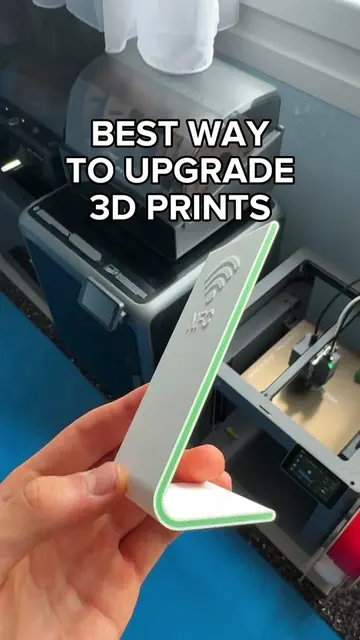
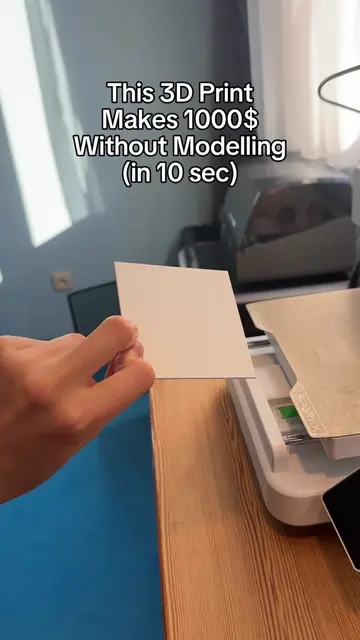
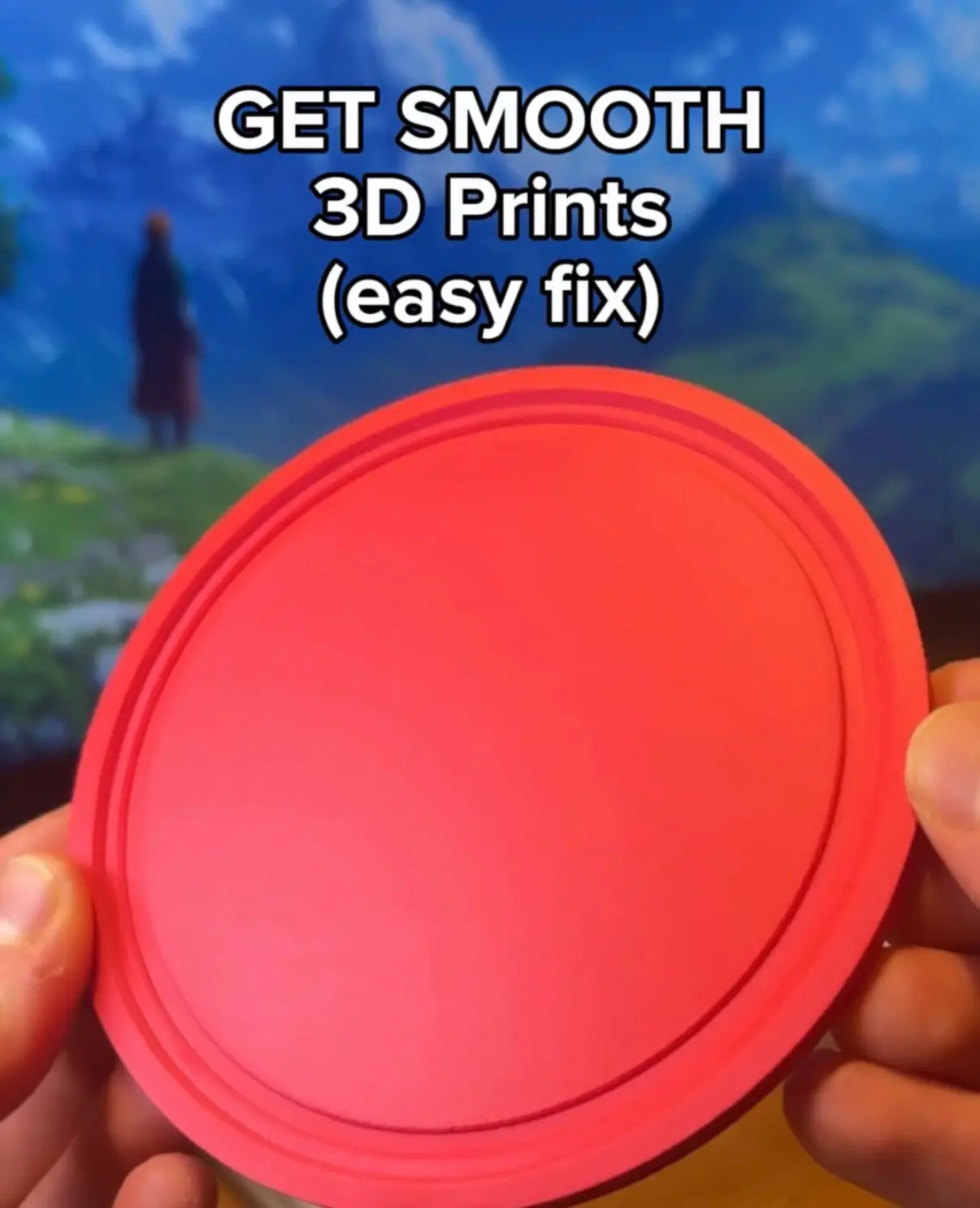
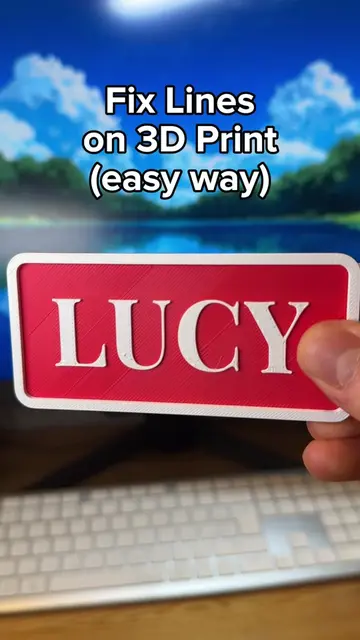
1. Download the Support Z Distance Test 3D model on MakerWorld. 2. Print the test models and remove the testing supports to find The one that comes out the best. 3. Look at the top of your chosen piece and take the number printed there. 4. Put that number into your "Top Z distance" setting in your slicer software. Enjoy perfect supports every time! #3DPrinting #3DPrint #3DPrinter #3DPrintingTips #3DPrintingHacks
More from @printpal.io
More breakout videos from this creator.