Loading video…
All breakouts
15.7App DemoHow-To hookAI Tools
Hook
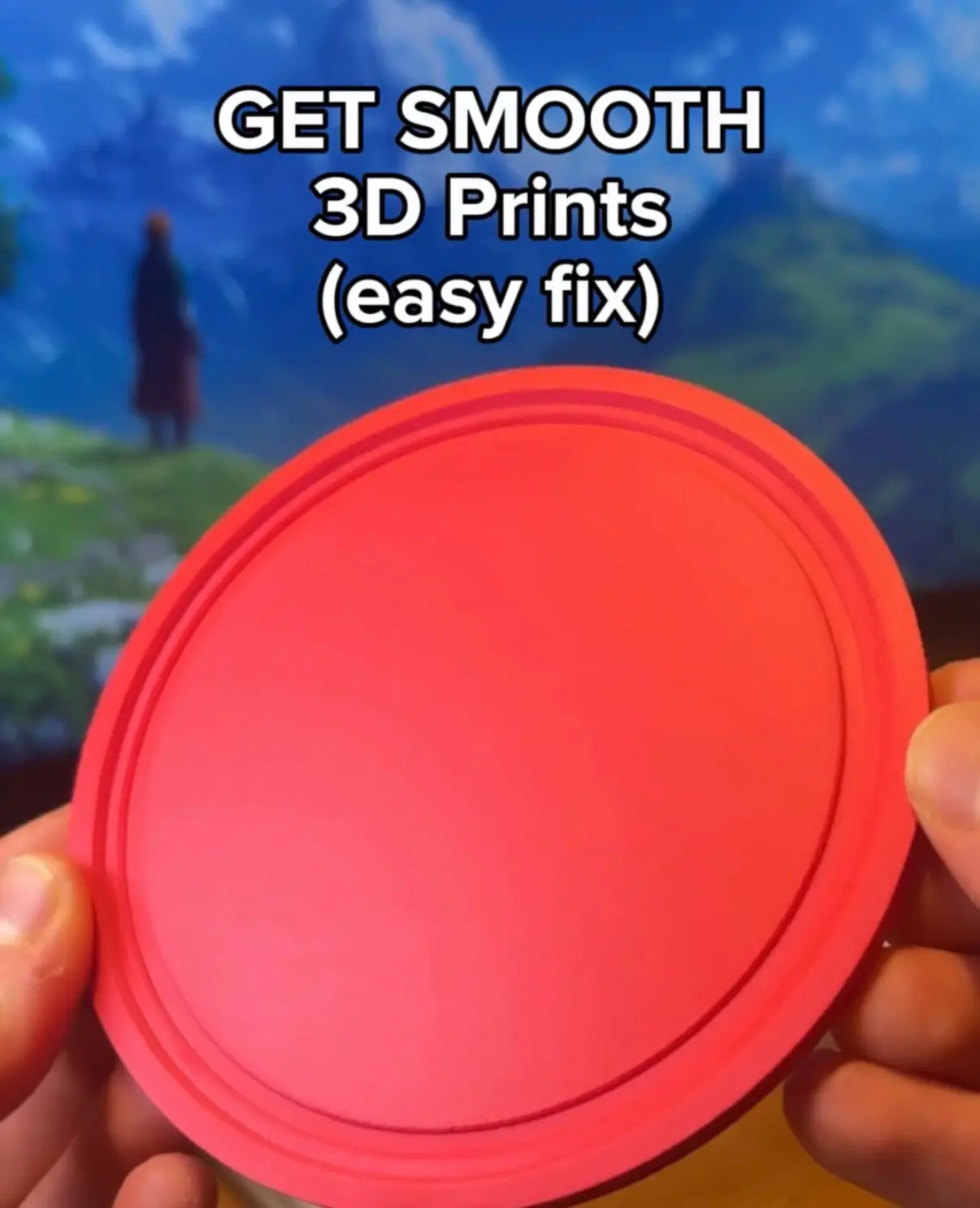
Fix Lines on 3D Print (easy way)
@printpal.io
84.1K followers · usually 18.6K views a post
Views
290.1K
Likes
14.8K
Comments
61
Shares
3.1K
Why it worked
The video addresses a common and frustrating problem for 3D printing enthusiasts, offering a clear and concise solution with visual demonstrations of the software settings involved.
Summary
This video demonstrates how to fix lines on 3D prints by adjusting settings in a slicing software. It explains that lines occur when the top surface isn't printed as a single part and shows how to resolve this by changing the "Only one wall on top surfaces" setting to "Not applied" and enabling "Interface shells".
Structure
- 1Problem: Lines on 3D prints
- 2Cause: Top surface not printed as one part
- 3Solution: Adjust "Only one wall on top surfaces" setting
- 4Solution: Enable "Interface shells"
- 5Enable "Developer mode" if options are hidden
- 6Result: Smooth top surface
On-screen text
Fix Lines on 3D Print
(easy way)
Transcript
Original caption
How to remove ugly lines on your 3d prints #3dprinting #3dprint #3d #bambulab
More from @printpal.io
More breakout videos from this creator.


![TRICK 1: Adding threads as connectors 1. Use the Cut [C] tool. 2. Click “Add con](https://p16-common-sign.tiktokcdn-eu.com/tos-maliva-i-photomode-us/06908233775144309d504b2efe799631~tplv-photomode-image-cover:480:0:q70.webp?dr=1350&refresh_token=5a108c81&x-expires=1793246400&x-signature=moSzXgVc2ASJJBPrp1LFHfnSZrg%3D&t=5897f7ec&ps=d5b8ac02&shp=d05b14bd&shcp=1d1a97fc&idc=useast2b&s=PUBLISH&biz_tag=tt_photomode&sc=cover)